
Training plan
Module 1: An Introduction to SharePoint Online
We will demonstrate common uses of SharePoint Online to manage and share content, create engaging web pages, automate business processes, and make sound business decisions through Business Intelligence. We will also discuss typical users of our sites. Site owners are given functionality that in other business systems would normally only be available to developers.
- Presentation of Microsoft 365 and SharePoint
- The cloud revolution
- What is Microsoft 365?
- What is SharePoint?
- Presentation of Microsoft 365 groups
- Ownership and access
- Getting started with Microsoft 365
- Log in to Microsoft 365
- The application launcher
- Microsoft 365 settings
- OneDrive
Module 2: Site creation
As a site owner, you will be presented with a selection of site templates. You will use a variety of popular site templates to develop a better understanding of what each site does and what to use it for. Once your site is ready, we’ll change the look of your site. We’ll also be building our navigation bar, a simple, yet powerful way to help users move between websites.
- Planning of your sites
- Your Microsoft 365 tenant
- Web addresses
- Site collections
- Create a new site
- Navigate your team’s site
- User interface: modern vs classic
- Site content: modern vs classic
- Where does the classic come from?
- Create new sub-sites
- Site templates
- Apply a theme
- Build your navigation
- Delete sub-sites
- SharePoint hub sites
Module 3: Creating and Managing Web Pages
You will learn how to update the home page of your SharePoint site with text, links, images, buttons, videos, and other web parts. We’ll also show you best practices when creating multiple pages and linking them together. In most site templates, creating and maintaining web pages is a quick, easy, and rewarding way to present essential information and applications.
SharePoint can also be used as an intranet for internal news. Due to the high visibility of these websites, it is common to have more control over the posting of new web pages or updates to existing pages. For this reason, SharePoint has classic publishing sites and modern communication sites.
- The types of pages found in SharePoint
- Modern SharePoint pages
- Create news and site pages
- Web Parts
- Save, publish, share and delete pages
- Communication sites
- Classic SharePoint pages
- How to use classic team site pages
- Examine the features specific to classic publishing sites
Module 4: Working with Applications
Applications are needed to store information such as events, contacts, and files on a site. SharePoint provides a selection of applications for different scenarios, all with the ability to be customized for a specific business requirement. Apps can be divided into lists, libraries, and marketplace apps.
SharePoint lists serve as a structure for calendars, discussion boards, contacts, and tasks. This module explains the concept of lists, then reviews popular options.
A document library is a location on a site where you can create, collect, update, and share files, including Word, Excel, PowerPoint, PDF, and more. We’ll show you the benefits of using a library, and teach you how to best work with different types of files in a library.
An introduction to Marketplace Applications is provided to show how to extend the functionality of the site beyond what Microsoft has provided in the SharePoint Online platform.
- An introduction to applications
- An introduction to libraries
- Classic and modern bookcases
- Classic library applications
- An introduction to lists
- Classic list apps
- Marketplace applications
- Add applications to a site
- More options to add lists
- Create and manage columns
- Public and personal opinions
- Manage application settings
- Content approval
- Major and minor version
- Document sets
- Uploading files to a library
- Create and edit files
- File templates
- Co-author
- Departure and arrival
- File properties, sorting, filter and details
- Edit in grid view
- File commands
- Copy link and share
- File security
- Records
- Trash
- Alerts
- OneDrive synchronization
- Work with classic lists
Module 5: Building Processes with Power Automate and Power Apps
From SharePoint, learn about Power Automate, a workflow designer that lets you integrate lists and libraries into your other favorite Microsoft 365 business apps and services. Additionally, we’ll show you Power Apps, a forms designer that lets you bring a personalized experience to your SharePoint lists and libraries, allowing users to document information from their web browser on their PC or even on an app. mobile! This module is designed to show you the integration capabilities between SharePoint, Power Automate and Power Apps. This module will also mention the classic SharePoint workflows, although these are abandoned, their legacy is still documented.
- What are the business processes?
- Classic process design tools
- Design and test a ready-to-use workflow
- Getting started with Power
- Automate in SharePoint
- Design and publish a flow in Power Automate
- Getting started with Power Apps in SharePoint
- Improve data capture with Power Apps
- Test a Power Automate and Power Apps rich list
Module 6: Customizing Security
In this module, you will learn best practices for adding and removing users from your site and setting their level of access. As a site owner, you can customize permission levels. This means that you can create access levels that align with the responsibilities of the users of your sites. We will also look at the organization of audiences with SharePoint security groups and also understand the role of Microsoft 365 security groups.
- Access to the Microsoft 365 group
- Microsoft 365 group security update
- Access management to SharePoint
- New sites: public vs private
- Configure access requests
- Share a site
- Share a file
- Delete a user
- Customization of SharePoint security
- Create authorization levels
- Creation of new SharePoint security groups
- Heritage
- Site collection SharePoint security groups
- Manage inheritance
- Good safety management practices
Module 7: Using Research
SharePoint provides the ability to store large amounts of content in various locations. This module covers a set of tools that help you efficiently locate the information you need. In Microsoft 365, in addition to search in SharePoint, Delve provides a more personalized experience by identifying useful and trending content and bringing it to you.
Although SharePoint search is rich and intelligent, site owners can customize the search to improve its relevance to an organization. We will show common techniques used by site owners to improve search results by promoting specific content when certain keywords are used.
- An introduction to SharePoint search
- Locations you can search
Records - Libraries and lists
- Current site
- Hubs
- All sites
- Search results
- Search tips
- Access classic search
- Promoted results
Module 8: Enterprise Content Management
Traditionally, departments have used file templates and manual processes to ensure information is collected and maintained correctly. In this module, we’ll help your team build reusable file templates and automate document lifecycle management. An example of this would be the automatic removal of old unwanted content from your site.
To do this, you’ll learn about various features of SharePoint, including managed metadata, content types, policies, in-place records management, and content organizer.
- Managed metadata service
- Create, manage and deploy content types
- Configure information management policies
- What is the use of information management?
- Where can it be applied?
- Presentation of records management
- What is a recording?
- Archives center
- File management in place
- Use of content organizer and lasting links features
Recommended prerequisite knowledge
- Basic Computer Skills: Familiarity with using a computer, including the ability to use a web browser and basic software applications.
Fundamental - Knowledge of SharePoint: Basic understanding of SharePoint concepts, including site navigation, document libraries, and list management.
- Experience with Microsoft Office: Proficiency in using Microsoft Office applications such as Word, Excel, and Outlook.
- Understanding of Cloud Services: Basic knowledge of cloud services and their integration with SharePoint Online.
Eccentrix Corner Articles: SharePoint Online Power User MS-55215 Resources
Explore our technical articles on SharePoint Online Power User MS-55215 published on Eccentrix Corner. These resources dive deeper into key concepts, share best practices, and provide practical guides to maximize your learning and success. Our experts share real-world insights to help you master advanced SharePoint Online features as a power user.


SharePoint Online Power User Training
The SharePoint Online Power User training is designed for advanced users seeking to master the extended features of SharePoint Online. This course explores the tools and techniques for efficiently managing sites, collaborating on complex content, and customizing SharePoint functionalities to meet specific organizational needs.
Ideal for site administrators, project coordinators, and users with advanced permissions, this training enables you to leverage the robust capabilities of SharePoint Online to optimize collaborative processes and enhance information management.
Why Choose the SharePoint Online (MS-55215) Training?
SharePoint Online is a critical tool for businesses looking to improve content management and automate business processes. The MS-55215 training equips you with advanced skills to manage permissions, configure workflows, and customize sites to meet your organization’s unique requirements.
With the expertise gained, you’ll be able to transform SharePoint Online into a powerful and flexible collaboration platform.
Key Skills Developed in the Training
Manage advanced SharePoint sites
Learn how to configure and administer complex sites for demanding professional environments.Configure and manage document libraries
Explore advanced features to organize and secure shared content.Manage permissions and user roles
Master the assignment and management of access rights to ensure secure collaboration.Implement workflows and automation
Discover how to create and manage automated processes to optimize workflows.Customize the user experience
Configure visual and functional components to meet specific user needs.Integrate SharePoint Online with other Microsoft 365 tools
Maximize efficiency through integration with Teams, Power Automate, and OneDrive.
Comprehensive, Instructor-Led Training
This course is delivered by Microsoft-certified experts who use real-world scenarios and practical exercises to help participants master advanced SharePoint Online features.
Laboratory environment (overview)
You will practice in a structured lab environment with guided steps to validate your progress throughout the exercises. Depending on the lab, it is usually possible to save your progress and resume the steps later, making it easier to practice between sessions.
To ensure a complete experience, a Microsoft 365/Azure tenant environment may be provided to access the features required for the course scenarios (depending on the module requirements and lab conditions).
After the training, access to the lab remains available for a defined period. Tenant access may be time-limited, while access to the virtual machines and guided steps remains available for up to 180 days.
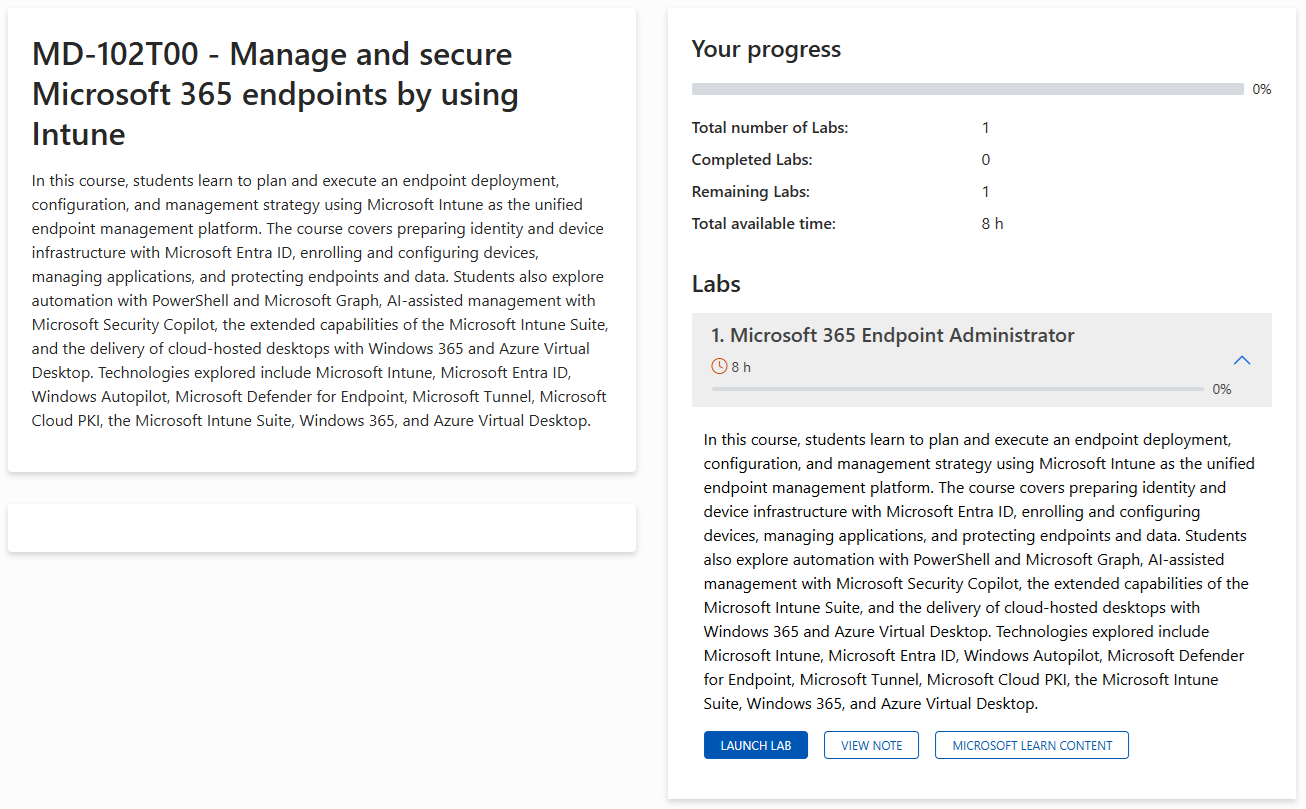
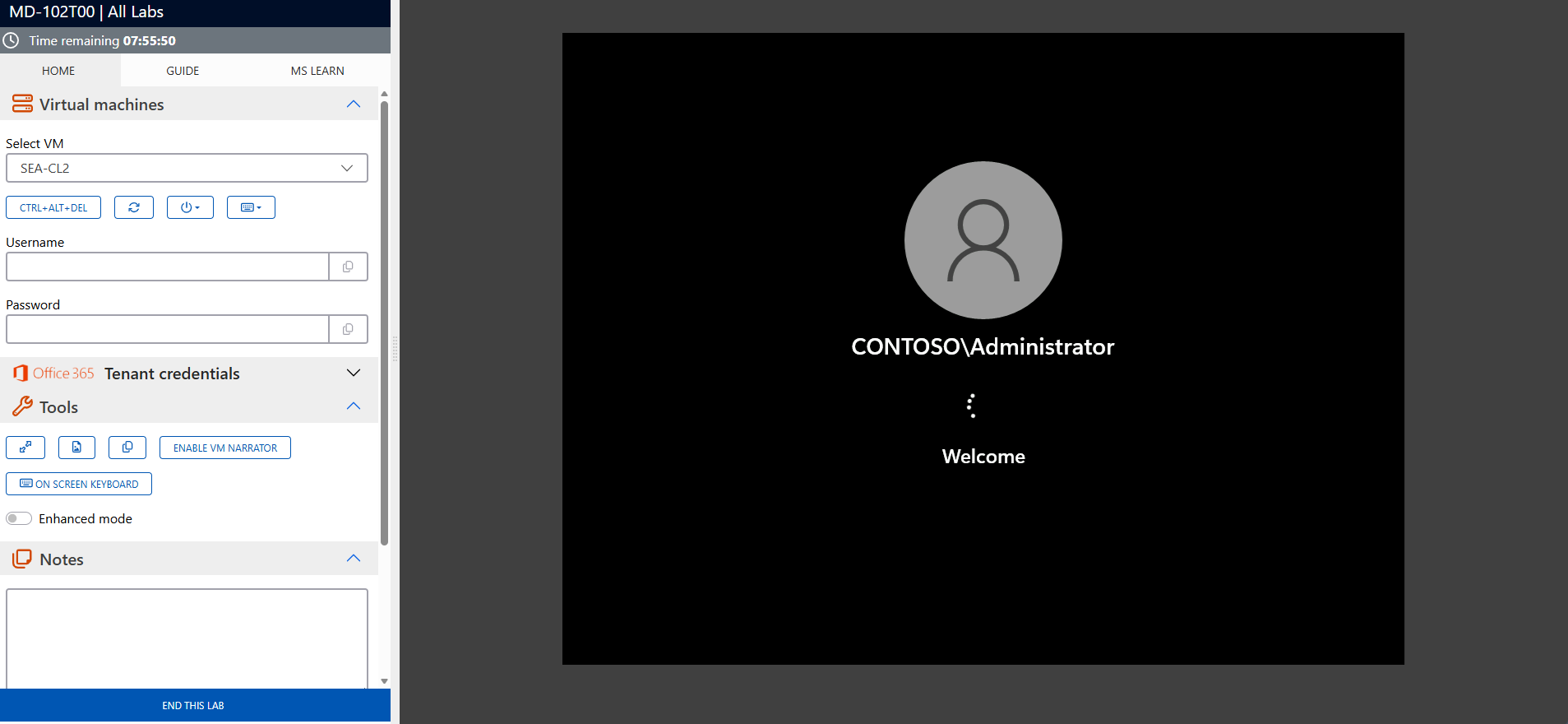
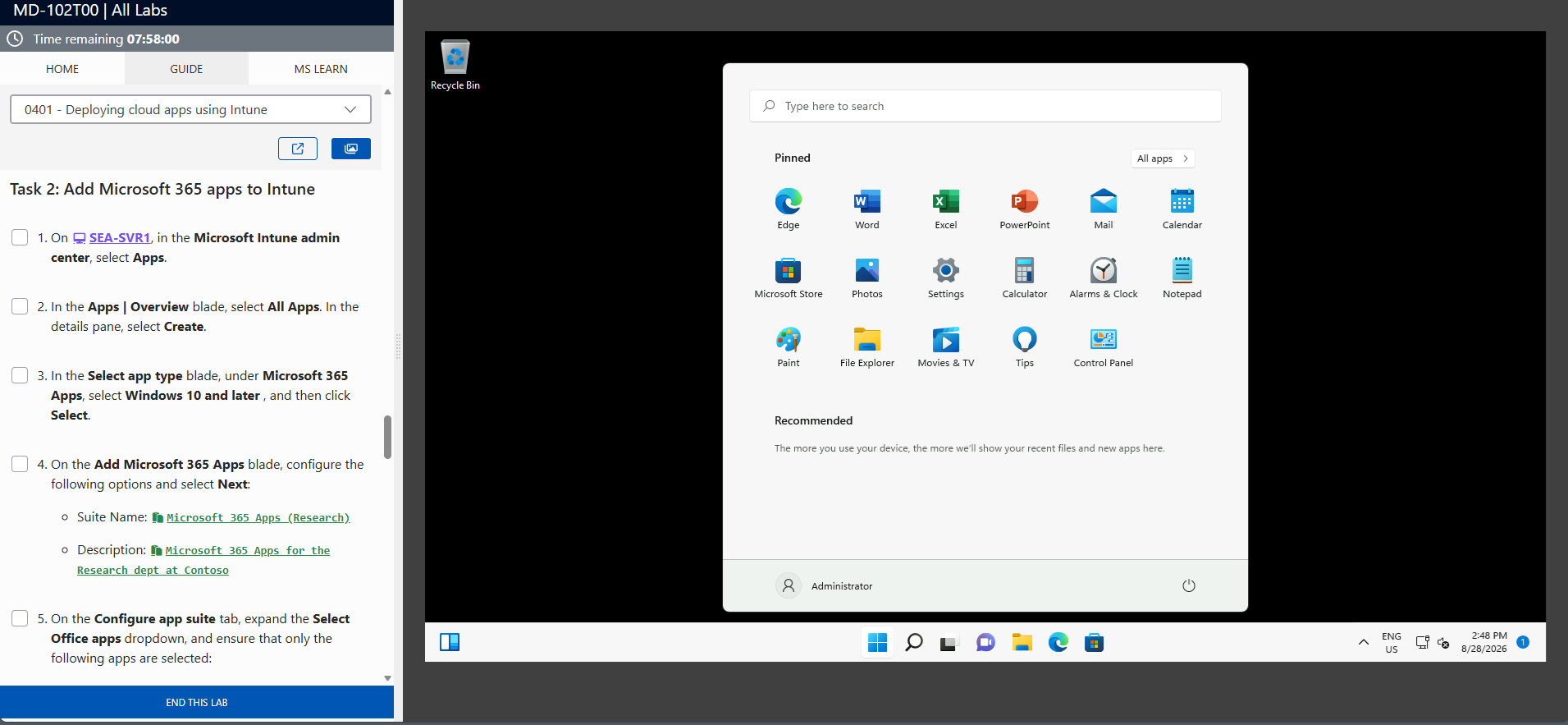
The screenshots above are provided as examples and may vary depending on the lab version and updates.
Who Should Attend?
This training is ideal for:
- SharePoint site administrators
- Advanced users responsible for managing content and permissions
- Project coordinators utilizing SharePoint Online for complex collaborations
- Organizations aiming to fully leverage the capabilities of Microsoft 365
Unlock the Full Potential of SharePoint Online
The Power Users in SharePoint Online (MS-55215) training equips you with the skills to manage and optimize advanced SharePoint environments. Enroll today to transform your collaboration and strengthen your content management capabilities.
Frequently asked questions
What topics are covered in this training?
The course covers advanced site management, libraries, permissions, and workflows.
Who is this training designed for?
It is intended for administrators, advanced users, and professionals managing collaborative environments.
Are there any prerequisites for this training?
A basic understanding of SharePoint Online is recommended.
Does this training include hands-on exercises?
Yes, interactive exercises are included to apply the concepts in real-world situations.
What tools and technologies are covered?
You will learn to use SharePoint Online, Power Automate, Teams, and other Microsoft 365 tools.
How can this training improve my skills?
It enables you to master advanced SharePoint functionalities to enhance collaboration and organizational efficiency.
Is the SharePoint Online: Power User (MS55215) training available online?
Yes, this training is offered as a live, interactive virtual class via Microsoft Teams, allowing participants to attend remotely while completing hands-on exercises.
What are the professional benefits of this SharePoint Online training?
This course enables you to master site management, permissions, and content handling in SharePoint Online, enhancing your skills for roles such as administrator or content manager in collaborative environments.
