
Training plan
Module 1: Get started with agents
- What are agents?
- Who can create and use agents?
- Explore the benefits of using agents
- Enhance collaboration using agents
- Examine IT governance controls for agents
Module 2: Explore prebuilt Microsoft 365 Copilot agents
- Examine the Analyst agent
- Exercise – Use the Analyst agent
- Examine the Researcher agent
- Exercise – Use the Researcher agent
- Examine the Visual Creator agent
- Examine the Prompt Coach agent
- Examine the Idea Coach agent
- Examine the Writing Coach agent
- Exercise – Use an agent of your choice
Module 3: Build and manage an agent
- Examine the tools used to create agents
- Explore the components of an agent
- Create an agent in Copilot Chat – Part 1
- Create an agent in Copilot Chat – Part 2
- Exercise – Create a Copilot Chat agent
- Create an agent in SharePoint
- Exercise – Create a SharePoint agent
- Test and edit your agents
- Manage your agents
Module 4: Share and use agents
- Share an agent with other users
- Share an agent in Microsoft Teams
- Interact with agents
Recommended prerequisite knowledge
- Students should have basic functional experience with Microsoft 365 services.
- Students must have a proficient understanding of general IT practices.
Your Copilot training pathway
Eccentrix offers several specialized Copilot training courses to meet different AI agent development and creation needs. Here’s how MS-4019 positions relative to other available courses and how to build your complete training pathway.
Which Copilot training should you choose?
| Course | Main focus | Target audience | Duration |
|---|---|---|---|
|
MS-4014 |
AI Agent Foundations |
Developers, solution architects, AI agent creators |
1 day |
|
PL-7008 |
Copilot Studio Agents |
Developers, AI agent creators, automation specialists |
1 day |
|
MS-4019 |
Transform Business Processes |
Developers, business analysts |
1 day |
|
GH-300 |
GitHub Copilot |
Developers, software engineers, DevOps teams |
1 day |
MS-4019 is ideal if you need to:
- Automate daily business processes with intelligent AI agents
- Transform repetitive tasks into automated and efficient workflows
- Create agents that understand and execute complex business processes
- Integrate AI into your daily operations to increase productivity
- Develop practical solutions that solve real business challenges with Copilot Studio
Complementary Training for Successful AI Agent Development
Create AI Agent Foundations with Copilot (MS-4014)
Establish essential foundations before diving into advanced declarative agents. Understand AI agent architecture, fundamental concepts, and practical use cases. Recommended prerequisite before MS-4019 to ensure you master the basics before creating sophisticated declarative agents.
Create Agents in Microsoft Copilot Studio (PL-7008)
Master creating conversational agents in Copilot Studio. Develop personalized user experiences, integrate connectors and plugins, automate complex workflows. Before MS-4019, explore how to transform your declarative agents into interactive, production-ready solutions with Copilot Studio.
GitHub Copilot for Development Acceleration (GH-300)
Integrate GitHub Copilot into your development workflow to accelerate AI agent and code creation. Use generative AI to write, test, and debug faster. Ideal complement for developers building declarative agents who want to increase development productivity.
Recommended AI Agent Development Pathway
- 📋Phase 1 – Preparation – Recommended
MS-4014 (Create AI Agent Foundations with Copilot) - ✅ Phase 2 – Activation – You are here
PL-7008 (Create Agents in Microsoft Copilot Studio) + MS-4019 (Transform your everyday business processes with agents) - ➡️ Phase 3 – Optimization – Next step
GH-300 (GitHub Copilot)
Outcome: This pathway takes you from Copilot agent fundamentals (declarative agents) to building and activating agents in Copilot Studio to automate business processes, then to advanced development optimization with GitHub Copilot.
Ready to Progress?
Eccentrix Corner Articles: Transform Your Daily Business Processes with Agents MS-4019 Resources
Explore our technical articles on Transform Your Daily Business Processes with Agents MS-4019 published on Eccentrix Corner. These resources dive deeper into key concepts, share best practices, and provide practical guides to maximize your learning and success. Our experts share real-world insights to help you master transforming your business processes with AI agents.

Transform Business Processes with Agents Training
The Transform Business Processes with Agents training guides participants in mastering the creation, management, and utilization of intelligent no-code agents in Microsoft 365 Copilot Chat and SharePoint. This practical training focuses on optimizing daily business processes, automating repetitive tasks, and improving organizational efficiency through personalized AI assistants.
Designed for business professionals, end users, and innovation teams, this training enables you to transform your approach to intelligent automation and revolutionize your workflows without advanced technical skills.
Why Choose MS-4019 Training?
Intelligent agents are revolutionizing how professionals automate their processes and optimize their daily productivity. This training explores the capabilities of no-code agents in Microsoft 365 Copilot Chat and SharePoint while explaining best practices for creating AI assistants that truly transform your business processes.
MS-4019 training teaches you to leverage no-code tools to design high-performing agents, automate complex workflows, and create personalized AI solutions with an accessible and practical approach.
Skills Developed During Training
Master No-Code Agent Creation
Learn essential techniques to design and develop intelligent agents in Microsoft 365 Copilot Chat and SharePoint without programming.Automate Business Processes with AI
Use agents to transform your daily tasks, automate repetitive workflows, and optimize operational efficiency.Manage and Deploy Intelligent Assistants
Leverage management features to configure, deploy, and maintain your agents in the Microsoft 365 environment.Customize User Interactions
Master creating agents that understand business context and provide responses tailored to specific needs.Optimize Collaborative Workflows
Transform team collaboration by creating agents that facilitate information exchange and accelerate decision-making processes.Leverage SharePoint for Augmented Intelligence
Discover how to use SharePoint with agents to create document automation and knowledge management solutions.
How MS-4019 transforms your ability to automate business processes
The skills acquired in MS-4019 produce measurable results in varied organizational contexts. Here are concrete application examples.
Scenario 1: Automating approval request processing
Your finance team spends hours each week manually processing expense approval requests, verifying budget compliance, and routing requests to appropriate approvers. After MS-4019, you create an agent that automatically analyzes requests, checks budget limits, validates policy compliance, and intelligently routes to approvers based on amounts and categories. The agent sends automatic reminders and generates tracking reports.
Result: 80% reduction in manual processing time, approval cycle reduced from 5 days to 24 hours, and 100% budget compliance through automated validation.
Scenario 2: Agent for automated client contract management
Your legal and sales teams manually manage hundreds of contracts with renewal dates, specific clauses, and varied obligations. With MS-4019, you develop an agent that monitors key dates, sends proactive renewal alerts, extracts and summarizes important clauses, and generates status reports for each client. The agent integrates with your CRM and document management system.
Impact: 90% reduction in missed renewals, 60% time saved on contract review, and complete visibility into all contractual obligations.
Scenario 3: Automating data collection and reporting consolidation
Your leadership team expects weekly reports that require manual data collection from 8 different systems: CRM, ERP, project tools, analytics, and internal databases. After MS-4019, you create an agent that automatically collects data from all sources, consolidates information according to defined templates, generates visualizations, and distributes reports to stakeholders every Monday morning. The agent detects anomalies and alerts when data is missing.
Benefits: 15 hours/week saved, reports delivered at 8:00 AM without human intervention, and data accuracy improved from 95% to 99.8%.
Scenario 4: Agent for orchestrating IT onboarding workflows
Your IT department must manually coordinate 25+ tasks for each new employee: account creation, license assignment, equipment configuration, system access, and mandatory training. With MS-4019, you develop an agent that automatically orchestrates the entire IT onboarding process. The agent creates Active Directory accounts, assigns appropriate Microsoft 365 licenses, generates equipment tickets, configures role-based access, and sends training invitations.
Results: Complete IT onboarding in 2 hours vs 3 days, 0% configuration errors, and standardized, professional employee experience from day 1.
Scenario 5: Automating level 1 security incident management
Your security team receives hundreds of daily alerts requiring triage, initial investigation, and documentation before escalation. After MS-4019, you create an agent that receives security alerts, performs automatic triage based on severity, executes level 1 investigation playbooks, collects relevant logs, and creates structured tickets with all contextual information for analysts. The agent integrates with your SIEM, EDR, and ticketing system.
Impact: 70% of level 1 alerts processed automatically, initial response time reduced from 45 minutes to 2 minutes, and analysts freed to focus on critical threats.
Interactive Expert-Led Training
Training is delivered by Microsoft-certified instructors with deep expertise in no-code agent implementation. Through hands-on exercises and real business scenarios, you’ll develop immediately applicable mastery to transform your daily processes.
Laboratory environment (overview)
You will practice in a structured lab environment with guided steps to validate your progress throughout the exercises. Depending on the lab, it is usually possible to save your progress and resume the steps later, making it easier to practice between sessions.
To ensure a complete experience, a Microsoft 365/Azure tenant environment may be provided to access the features required for the course scenarios (depending on the module requirements and lab conditions).
After the training, access to the lab remains available for a defined period. Tenant access may be time-limited, while access to the virtual machines and guided steps remains available for up to 180 days.
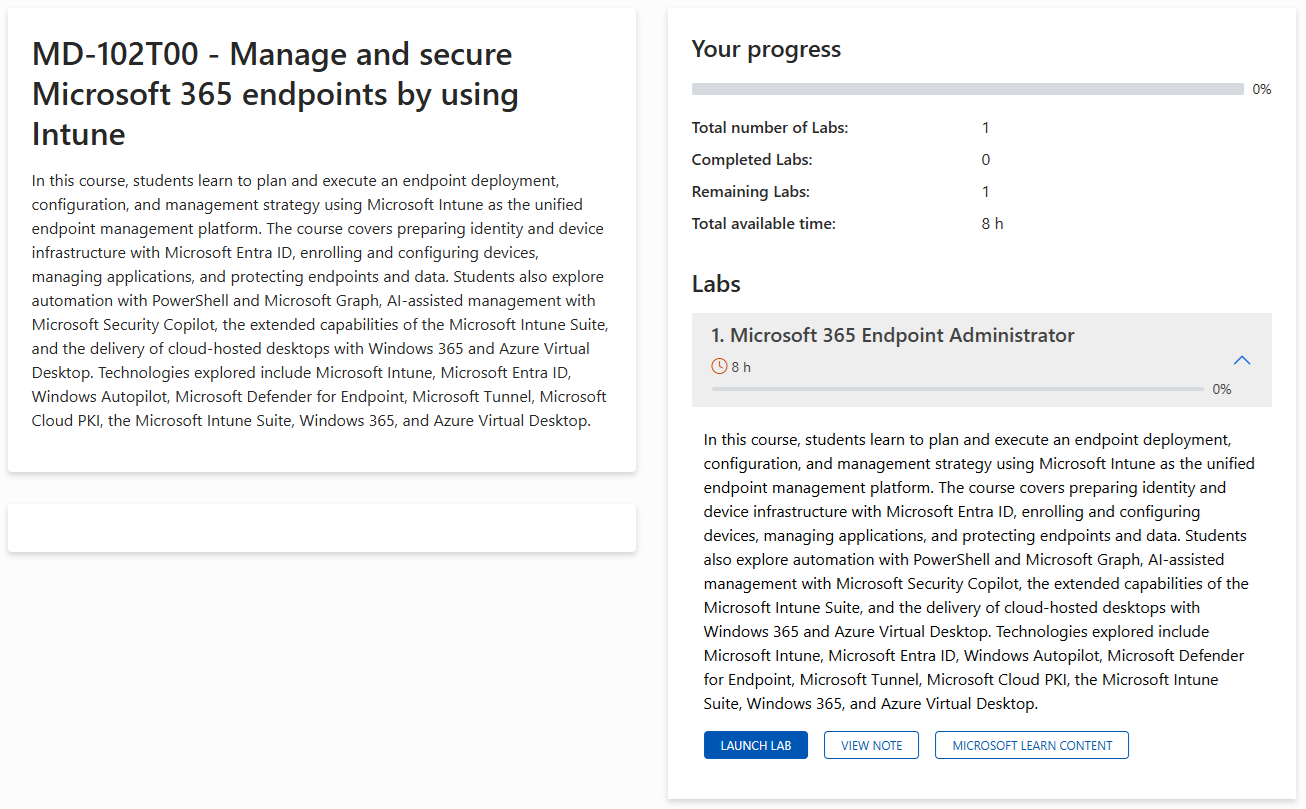
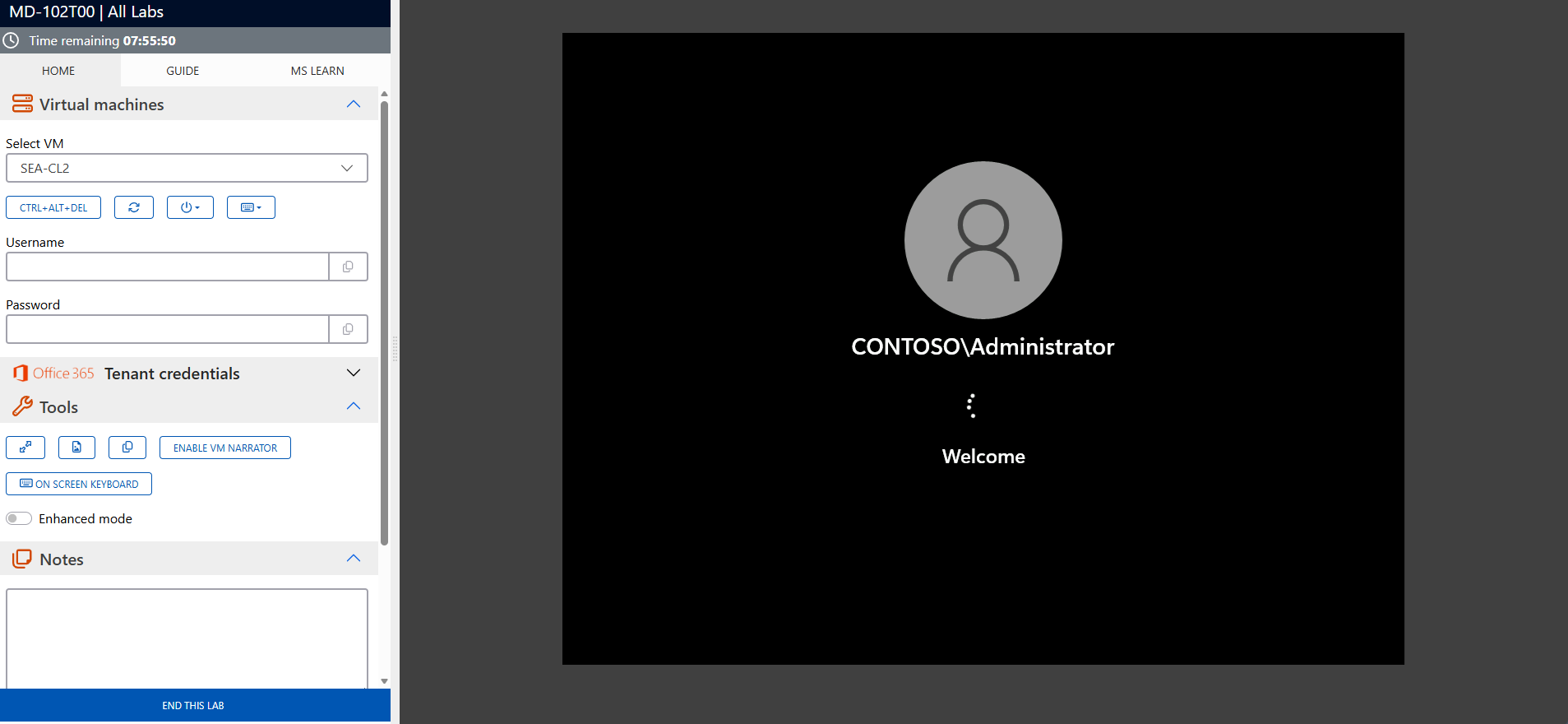
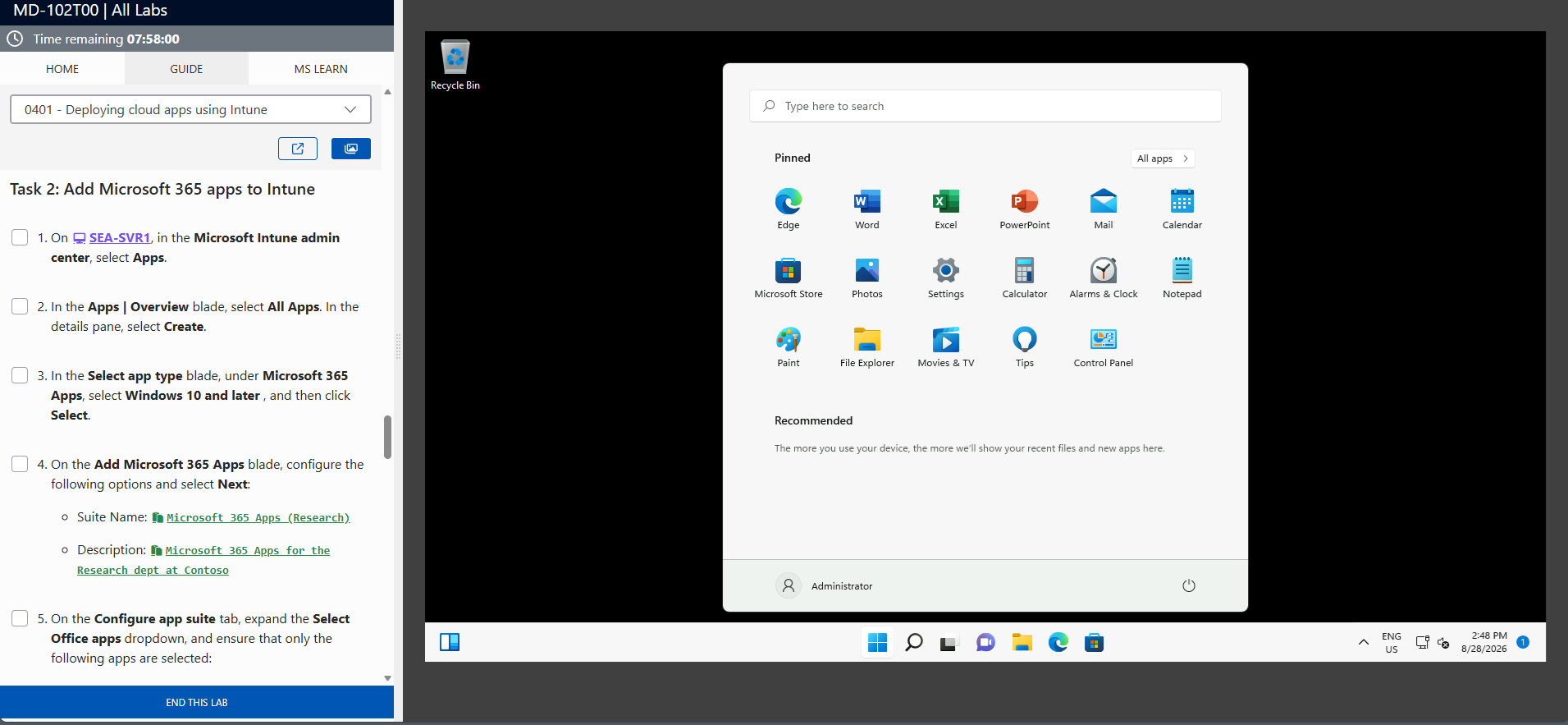
The screenshots above are provided as examples and may vary depending on the lab version and updates.
Who Should Attend This Training?
This training is ideal for:
- Business professionals seeking to automate their daily processes without programming
- End users wanting to create personalized AI assistants for their tasks
- Innovation teams adopting no-code solutions for intelligent automation
- Organizations deploying AI agents to transform their operational workflows
Revolutionize Your Processes with Intelligent Agents
The Transform Your Daily Business Processes with Agents (MS-4019) training provides you with essential skills to create and manage AI assistants that truly transform how you work. Register today to revolutionize your business processes and optimize your daily productivity.
Frequently asked questions
The training covers Microsoft 365 Copilot Chat, SharePoint, and no-code tools for creating and managing agents that transform business processes.
Basic familiarity with Microsoft 365 and SharePoint is recommended, but no advanced technical skills are required.
Yes, the training includes hands-on exercises to create agents that transform real business processes.
MS-4019 focuses specifically on transforming daily business processes with agents, unlike other courses focused on usage or prompting.
Absolutely, this training is designed for business professionals without technical backgrounds, with a practical and accessible approach.
It enables creating agents that automate daily processes, reduce repetitive tasks, and improve overall organizational efficiency.
