
Develop solutions with Dynamics 365 Business Central (MB-820T00)
Training plan
Module 1: Get started with Microsoft Dynamics 365 Business Central
- Start your free Dynamics 365 Business Central trial
- Introduction to the capabilities of Microsoft Dynamics 365 Business Central
- Customize Microsoft Dynamics 365 Business Central
Module 2: Use application development best practices in Microsoft Dynamics 365 Business Central
- Introduction to application types in Business Central
- Understand the process of bringing an app to AppSource in Business Central
- Consider application monetization responsibilities in Business Central
- Implement SaaSification techniques in Business Central
- Prepare for an easy application upgrade experience in Business Central
- Learn about application performance and monitoring in Business Central
- Implement test automation techniques in Business Central
Module 3: Deploy and configure Microsoft Dynamics 365 Business Central
- Administer Dynamics 365 Business Central online
- Create new companies in Business Central
- Migrate data to Business Central
- Migrate on-premises data to Dynamics 365 Business Central
- Manage users and implement security in Dynamics 365 Business Central
- Set up email in Dynamics 365 Business Central
- Integrate Dynamics 365 Business Central with Outlook
- Integrate Dynamics 365 Business Central with Teams
- Create workflows in Dynamics 365 Business Central
- Use approval workflows in Dynamics 365 Business Central
Module 4: Discover the foundation of customizing Microsoft Dynamics 365 Business Central
- Introduction to the development environment for Dynamics 365 Business Central
- Work with tables in Dynamics 365 Business Central
- Extend and modify an existing table in Dynamics 365 Business Central
- Work with pages in Dynamics 365 Business Central
- Extend and modify an existing page in Dynamics 365 Business Central
- Work with entitlements and permission sets in Dynamics 365 Business Central
- Introduction to integrating Dataverse with Dynamics 365 Business Central
- Debug and deploy your extension in Dynamics 365 Business Central
Module 5: Build reports for Microsoft Dynamics 365 Business Central
- Introduction to report components in Dynamics 365 Business Central
- Use the report design process in Dynamics 365 Business Central
- Design the data model of a report in Dynamics 365 Business Central
- Add a layout to a report in Dynamics 365 Business Central
- Complete the report request page in Dynamics 365 Business Central
- Add reports to Tell Me and substitute a report in Dynamics 365 Business Central
- Use report triggers, functions, and processing-only reports in Dynamics 365 Business Central
- Implement multilingual reports in Dynamics 365 Business Central
- Work with reports in Dynamics 365 Business Central
- Analyze list data using data analysis mode in Business Central
- Extend reports in Dynamics 365 Business Central
Module 6: Learn the application foundation with the AL programming language for Microsoft Dynamics 365 Business Central
- Introduction to the basics of AL programming in Dynamics 365 Business Central
- Learn the AL statements in Dynamics 365 Business Central
- Work with AL built-in functions in Dynamics 365 Business Central
- Handle errors by using application language in Dynamics 365 Business Central
- Create custom procedures in Dynamics 365 Business Central
- Work with codeunits in Dynamics 365 Business Central
- Use events and triggers in Dynamics 365 Business Central
- Implement interfaces in Dynamics 365 Business Central
- Manipulate data by using code in Dynamics 365 Business Central
- Manage multilanguage development in Dynamics 365 Business Central
Module 7: Learn about the data management foundation in Microsoft Dynamics 365 Business Central
- Introduction to the basics of file management in Dynamics 365 Business Central
- Work with XMLports in Dynamics 365 Business Central
- Work with queries in Dynamics 365 Business Central
Module 8: Interface with Microsoft Dynamics 365 Business Central
- Work with web services in Dynamics 365 Business Central
- Work with the API in Dynamics 365 Business Central
- Access REST services from within Dynamics 365 Business Central
- Use Azure Functions with Dynamics 365 Business Central
- Build control add-in objects in Dynamics 365 Business Central
- Use AL-controlled barcode scanning in Dynamics 365 Business Central
Module 9: Tailor roles and design the UI for Microsoft Dynamics 365 Business Central
- Set up onboarding experiences in Dynamics 365 Business Central
- Develop a Role Center in Dynamics 365 Business Central
- Build an Assisted Setup in Dynamics 365 Business Central
- Send notifications in Dynamics 365 Business Central
- Customize the UI experience in Dynamics 365 Business Central
Module 10: Work with essential development standards for Microsoft Dynamics 365 Business Central
- Identify functional table types and characteristics in Dynamics 365 Business Central
- Implement the data process model in Dynamics 365 Business Central
- Work with master data in Dynamics 365 Business Central
- Use document standards in Dynamics 365 Business Central
Module 11: Continuous integration with Azure DevOps for Microsoft Dynamics 365 Business Central
- Use Application Lifecycle Management for Business Central
- Work with source control using Git in Visual Studio Code for Business Central
- Use branching and merging with Git for Business Central
- Use Docker in your Business Central development process
- Introduction to test automation in Business Central
- Use Azure Pipelines for CI/CD with Business Central
- Work with Azure Boards for project management in Business Central
Module 12: Develop using Power Apps and Power Automate for Dynamics 365 Business Central
- Introduction to Microsoft Power Platform and Business Central
- Create a canvas app based on Business Central data
- Use Power Automate with Business Central
- Use model-driven apps and Dataverse with Business Central
- Create a custom connector to extend Microsoft Power Platform functionalities with Business Central
Recommended prerequisite knowledge
- Basic knowledge of financial principles: Participants must have a fundamental understanding of financial principles and business operations.
- Experience with Dynamics 365: Previous experience with Microsoft Dynamics 365, particularly in finance and operations modules, is strongly recommended.
- General understanding of ERP systems: A general understanding of Enterprise Resource Planning (ERP) systems and their role in business processes is beneficial.
- Familiarity with Microsoft Power Platform: Basic familiarity with Microsoft Power Platform, including Power BI, PowerApps, and Power Automate, is advantageous.
- Proficiency in Microsoft Office: Proficiency in Microsoft Office applications, particularly Excel, is expected.
Credentials and certification
Exam features
- Code: MB-820
- Title: Microsoft Dynamics 365 Business Central Developer
- Duration: 120 minutes
- Number of Questions: 40 to 60
- Question Format: Multiple choice, multiple response, scenario-based
- Passing Score: 700 out of 1000
- Cost: $0 (included in your training)
Exam topics
- Describe Business Central
- Install, develop, and deploy for Business Central
- Develop by using AL objects
- Develop by using AL
- Work with development tools
- Integrate Business Central with other applications
Career Advancement Path
Progressing towards Microsoft Certified: Agentic AI Business Solutions Architect
Completing your MB-820 (Microsoft Certified: Dynamics 365 Business Central Developer Associate) certification can serve as a foundation for progressing to advanced roles where solution architecture, governance, and business alignment become central. This Associate certification provides a solid base for contributing to agentic AI initiatives integrated into business processes, leveraging your expertise in extension development, integrations, the application lifecycle, and best delivery practices (quality, performance, security).
Next step: AB-100 (Agentic AI Business Solutions Architect)
Your MB-820 certification can give you access to the path to Microsoft Certified: Agentic AI Business Solutions Architect by completing the AB-100 exam. This credential validates your ability to frame use cases, define a solution strategy, design a target architecture, and integrate security, governance, and compliance requirements to deploy reliable AI solutions at scale — including in ERP environments where scalability, integration, and maintainability are critical.
Certification Path
- ✅ MB-820 (Dynamics 365 Business Central Developer Associate) – You are here
- ➡️ AB-100 (Agentic AI Business Solutions Architect) – Next step
- 🎯 Microsoft Certified: Agentic AI Business Solutions Architect – Expert Accomplishment
Alternative Pathways Available
The Microsoft Certified: Agentic AI Business Solutions Architect certification recognizes several Associate-level foundations. Depending on your profile and official Microsoft prerequisites, you can also progress from certifications in related fields:
- MB-230 (Dynamics 365 Customer Service Functional Consultant Associate) + AB-100
- MB-310 (Dynamics 365 Finance Functional Consultant Associate) + AB-100
- MB-330 (Dynamics 365 Supply Chain Management Functional Consultant Associate) + AB-100
- MB-500 (Microsoft Certified Dynamics 365: Finance and Operations Apps Developer Associate) + AB-100
- MB-800 (Dynamics 365 Business Central Functional Consultant Associate) + AB-100
- AB-410 (Microsoft Certified: Intelligent Applications Builder Associate) + AB-100
- PL-400 (Power Platform Developer Associate) + AB-100
Why pursue this certification?
Career Benefits:
- Higher salary potential and opportunities in AI architecture and transformation roles
- Recognition as a professional capable of bridging business objectives, risks, and solution design
- Positioning on high-impact projects (governance, compliance, adoption, measurable value)
Technical Advancement:
- Scenario framing and translating requirements into solution strategy
- Designing target architectures and making trade-off decisions (value, risks, costs)
- Integrating security, governance, and compliance from the design stage
- Planning implementation, validation, and monitoring operational value
Ready to progress?
Explore the MB-310 + AB-100 path and take the next step towards Microsoft Certified: Agentic AI Business Solutions Architect certification.
Eccentrix Corner Articles: Dynamics 365 Business Central Developer Associate MB-820 Resources
Explore our technical articles on Dynamics 365 Business Central Developer Associate MB-820 published on Eccentrix Corner. These resources dive deeper into key concepts, share best practices, and provide practical guides to maximize your learning and certification success. Our experts share real-world insights to help you master developing with Dynamics 365 Business Central.




Dynamics 365 Business Central Developer Training
The Dynamics 365 Business Central Developer training provides participants with the skills required to develop, customize, and implement Dynamics 365 Business Central solutions for small to medium-sized businesses. This course focuses on application development, system integration, and advanced configuration to streamline business processes and support growth.
Designed for developers, technical consultants, and IT professionals, this training prepares you for the MB-820 certification, validating your ability to deliver tailored solutions for Business Central environments.
Why Choose the MB-820 Training?
As businesses seek scalable and tailored ERP solutions, Dynamics 365 Business Central emerges as a leading choice for managing operations, financials, and supply chain processes. The MB-820 training equips you with the expertise to develop applications and optimize Business Central to meet unique organizational needs.
Achieving the MB-820 certification demonstrates your proficiency in developing and customizing Dynamics 365 Business Central, enhancing your career prospects in ERP and application development.
Key Skills Developed in the Training
Develop custom applications for Business Central
Gain expertise in using AL (Application Language) to create and modify applications tailored to business needs.Configure and optimize ERP systems
Learn to configure financial modules, inventory systems, and other core functionalities for efficient business operations.Integrate Business Central with external tools
Implement seamless connections with Microsoft 365, Power Platform, and third-party applications.Automate workflows and processes
Use automation tools to streamline business operations and improve productivity.Perform data migration and reporting
Master techniques for migrating data to Business Central and creating reports for actionable insights.Prepare for the MB-820 certification exam
Acquire hands-on experience and practical knowledge to confidently pass the certification exam.
Comprehensive, Instructor-Led Training
This course is led by certified Microsoft instructors with in-depth expertise in Dynamics 365 Business Central development. Interactive sessions, real-world scenarios, and practical exercises ensure participants develop a robust understanding of Business Central customization and application development.
Laboratory environment (overview)
You will practice in a structured lab environment with guided steps to validate your progress throughout the exercises. Depending on the lab, it is usually possible to save your progress and resume the steps later, making it easier to practice between sessions.
To ensure a complete experience, a Microsoft 365/Azure tenant environment may be provided to access the features required for the course scenarios (depending on the module requirements and lab conditions).
After the training, access to the lab remains available for a defined period. Tenant access may be time-limited, while access to the virtual machines and guided steps remains available for up to 180 days.
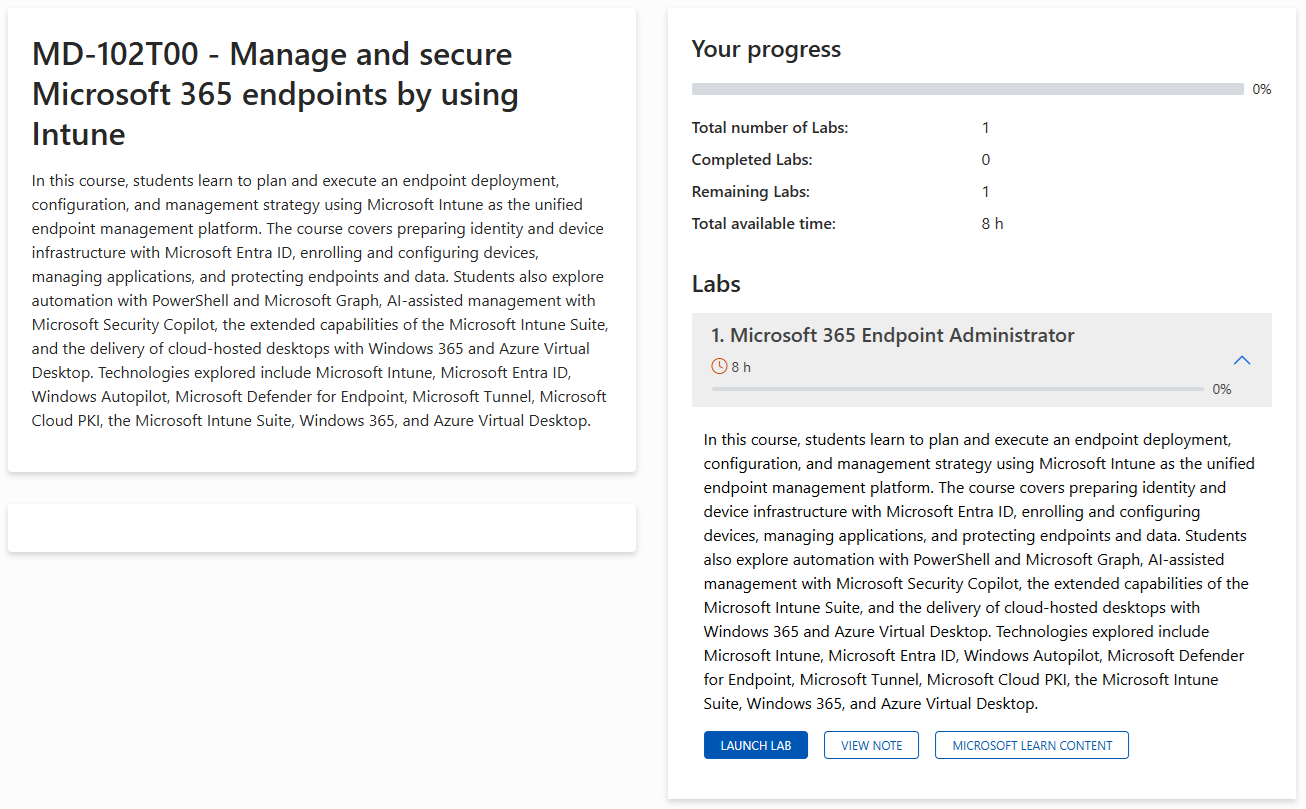
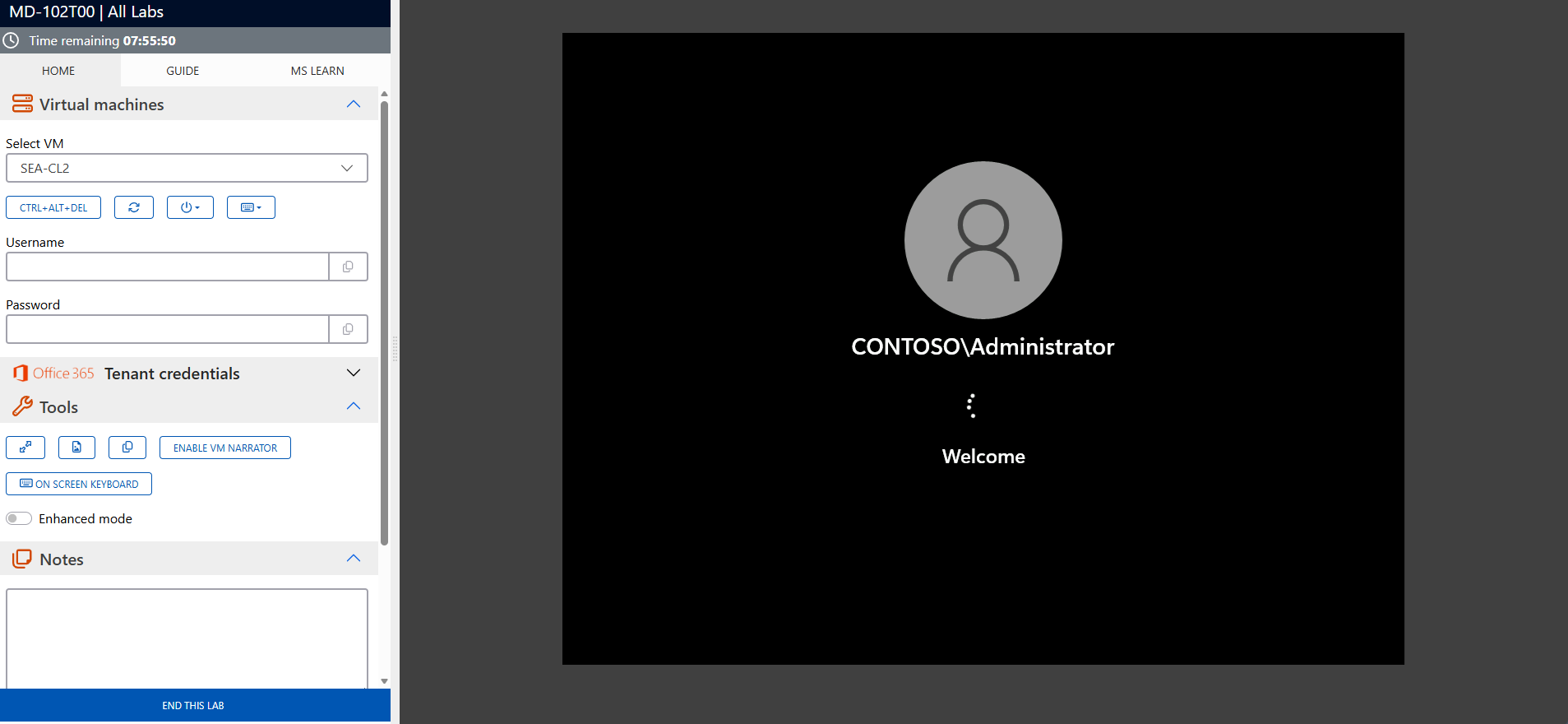
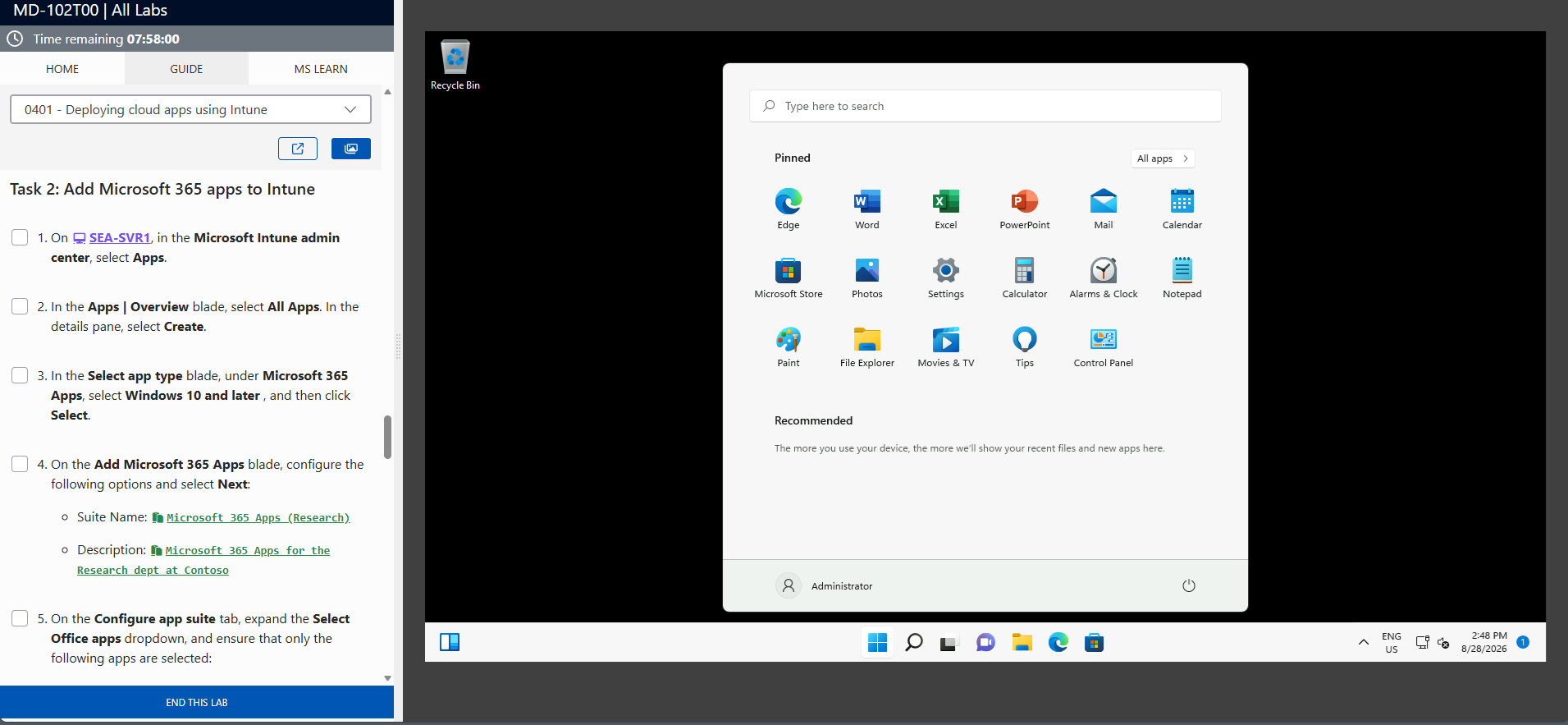
The screenshots above are provided as examples and may vary depending on the lab version and updates.
Who Should Attend?
This training is ideal for:
- Developers specializing in ERP systems and application development
- IT professionals customizing and deploying Dynamics 365 Business Central
- Technical consultants supporting small to medium-sized businesses with ERP solutions
- Organizations seeking to optimize their Business Central implementations
Build Scalable ERP Solutions with Dynamics 365 Business Central
The Microsoft Certified: Dynamics 365 Business Central Developer Associate (MB-820) training equips you with the skills to develop, customize, and implement ERP solutions tailored to business needs. Enroll today to gain expertise in Business Central and achieve certification.
MB-820 Exam Success Strategies
Mastering the MB-820 certification requires more than technical knowledge – strategic preparation, effective time management, and optimal mental performance are equally crucial for success.
MB-820 Exam Statistics & Success Rates
- Average Pass Rate: 65-70% on first attempt (Microsoft Associate level average)
- Most Common Score Range: 720-780 for passing candidates
- Average Study Time: 6-8 weeks for experienced developers
- Retake Rate: 25-30% of candidates require a second attempt
- Top Failure Areas: AL programming and extension development (39%), API and integration implementation (36%), Application lifecycle management and DevOps (33%)
Study Method Comparison
| Study Approach | Duration | Pass rate | Best For |
|---|---|---|---|
|
Hands-on Practice Only |
4-5 weeks |
45-55% |
Experienced Business Central developers |
|
Documentation + Practice |
6-7 weeks |
70-75% |
Methodical learners |
|
Training + Labs + Practice |
6-8 weeks |
85-90% |
Comprehensive preparation |
|
Practice Tests Only |
2-3 weeks |
35-45% |
Not recommended |
Strategic Study Approach
- Create a 6-8 week study timeline – Don’t cram for this associate-level certification
- Follow the 70-20-10 rule – 70% hands-on coding and development practice, 20% reading documentation, 10% practice tests
- Focus on scenario-based learning – MB-820 emphasizes real-world development challenges over memorization
- Study in 90-minute focused blocks with 15-minute breaks to maximize retention
Common Exam Pitfalls to Avoid
- Don’t confuse development tools – understand the distinct roles of Visual Studio Code, AL Language, Docker containers, and Azure DevOps
- AL language syntax and patterns – know object-oriented programming concepts, events, and best practices specific to AL
- Extension vs. customization – distinguish between modern extension-based development and legacy customization approaches
- Table extension vs. table – understand when to extend existing tables versus creating new ones
- Page customization and controls – know how to properly extend pages, add fields, and implement actions
- API development and integration – understand REST APIs, OData, and integration with Power Platform and external systems
Topic Weight Distribution
| Exam Domain | Weight | Focus Areas | Priority |
|---|---|---|---|
|
Set Up a Development Environment |
5-10% |
Docker, VS Code, AL extensions, source control |
Medium |
|
Design and Develop AL Objects |
35-40% |
Tables, pages, reports, codeunits, AL code |
Critical |
|
Develop Integrations |
20-25% |
APIs, web services, Power Platform, external integrations |
Critical |
|
Develop Reports and Layouts |
10-15% |
Report objects, layouts, data items, rendering |
High |
|
Deploy and Maintain Solutions |
15-20% |
App lifecycle, versioning, upgrades, DevOps |
High |
|
Optimize Performance and Security |
10-15% |
Query optimization, permissions, telemetry |
Medium |
Exam Day Time Management
- Allocate 90 seconds per question on average – this gives buffer time for complex scenarios
- Read case studies completely first before attempting related questions
- Flag uncertain questions and return to them – don’t get stuck on difficult items
- Reserve 15 minutes at the end for reviewing flagged questions and checking answers
Managing Exam Stress & Performance
- Get 7-8 hours of quality sleep the night before – avoid last-minute cramming
- Arrive 30 minutes early to settle in and complete check-in procedures calmly
- Use deep breathing techniques if you feel overwhelmed during the exam
- Trust your preparation – your first instinct is usually correct on scenario questions
Technical Preparation Tips
- Practice AL coding extensively – write custom tables, pages, reports, and codeunits using AL language
- Master extension development – understand how to extend existing Business Central functionality without modifying base code
- Understand API development thoroughly – know how to create and consume APIs for integration scenarios
- Review Azure DevOps workflows – understand version control, build pipelines, and deployment processes for Business Central
Final Week Preparation
- Take 2-3 practice exams to identify knowledge gaps and build confidence
- Review Microsoft’s official exam objectives one final time
- Avoid learning new concepts – focus on reinforcing what you already know
- Prepare your exam day logistics – route to test center, required identification, arrival time
Mental Preparation Strategies
- Visualize success scenarios – imagine yourself confidently answering questions
- Remind yourself of your hands-on experience – you’ve likely developed many Business Central extensions before
- Stay positive during difficult questions – every candidate faces challenging scenarios
- Remember that 700/1000 passes – you don’t need perfection, just solid competency
How to Schedule Your MB-820 Exam
- Official Testing Provider: Pearson VUE is Microsoft’s authorized testing partner for MB-820
- Scheduling Process: Create a Pearson VUE account, search for “MB-820”, select your preferred test center and date
- Exam Cost: Included with your Eccentrix training – exam voucher provided for this associate-level certification
- Scheduling Timeline: Book at least 2-3 weeks in advance for better time slot availability
- Rescheduling Policy: Free rescheduling up to 24 hours before your exam appointment
- Required ID: Government-issued photo ID (passport, driver’s license) matching your registration name exactly
Success Mindset: Approach MB-820 as a validation of your existing Dynamics 365 Business Central development skills rather than a test of memorized facts. Your practical experience with AL programming, extension development, and application lifecycle management is your greatest asset.
Frequently asked questions
What topics are covered in this training?
The course includes application development, system integration, and configuration of Dynamics 365 Business Central.
Who is this training designed for?
It is intended for developers, technical consultants, and IT professionals working with Dynamics 365 Business Central.
Are there any prerequisites for this training?
A basic understanding of ERP systems, Dynamics 365, and AL programming is recommended.
Does this training prepare me for the MB-820 certification exam?
Yes, the training aligns with certification objectives and provides resources for exam preparation.
What tools and technologies are discussed?
You will learn to use Dynamics 365 Business Central, AL programming language, Visual Studio Code, and integration features.
How will this certification enhance my career?
The MB-820 certification validates your expertise in Business Central development, improving your career opportunities in ERP and technical consulting.
