
Configure and Operate Microsoft Azure Virtual Desktop (AZ-140T00)
Training plan
Module 1: Plan an Azure Virtual Desktop implementation
- Azure Virtual Desktop Architecture
- Design the Azure Virtual Desktop architecture
Module 2: Implement an Azure Virtual Desktop infrastructure
- Implement and manage networking for Azure Virtual Desktop
- Implement and manage storage for Azure Virtual Desktop
- Create and configure host pools and session hosts for Azure Virtual Desktop
- Create and manage session host image for Azure Virtual Desktop
Module 3: Manage access and security for Azure Virtual Desktop
- Manage access for Azure Virtual Desktop
- Manage security for Azure Virtual Desktop
Module 4: Manage user environments and apps for Azure Virtual Desktop
- Implement and manage FSLogix
- Configure user experience settings
- Install and configure apps on a session host
Module 5: Monitor and maintain an Azure Virtual Desktop infrastructure
- Monitor and manage performance and health
- Plan and implement updates, backups, and disaster recovery
Recommended prerequisite knowledge
- Understanding of Core Azure Services: Familiarity with core Azure services such as virtual machines, networking, storage, and identity management.
- Experience in Virtualization: Knowledge of virtualization concepts and experience with virtualized environments, including virtual machines and virtual networks.
- Windows Operating System Administration: Proficiency in managing and maintaining Windows Server and Windows Client operating systems.
- Experience with Azure AD and Azure AD DS: Understanding of Azure Active Directory and Azure Active Directory Domain Services.
- Familiarity with PowerShell and ARM Templates: Basic skills in using PowerShell for automation and experience with Azure Resource Manager (ARM) templates for infrastructure deployment.
Credentials and certification
Exam features
- Code: AZ-140
- Title: Configuring and Operating Microsoft Azure Virtual Desktop
- Duration: 100 minutes
- Number of Questions: 40 to 60
- Question Format: Multiple choice, multiple response, scenario-based
- Passing Score: 700 out of 1000
- Cost: $0 (included in your training)
Exam topics
- Plan and implement an Azure Virtual Desktop infrastructure
- Plan and implement identity and security
- Plan and implement user environments and apps
- Monitor and maintain an Azure Virtual Desktop infrastructure
Eccentrix Corner Articles: Azure Virtual Desktop Specialty AZ-140 Resources
Explore our technical articles on Azure Virtual Desktop Specialty AZ-140 published on Eccentrix Corner. These resources dive deeper into key concepts, share best practices, and provide practical guides to maximize your learning and certification success. Our experts share real-world insights to help you master Azure Virtual Desktop.










Microsoft Certified: Azure Virtual Desktop Specialty (AZ-140) Training
The Microsoft Certified: Azure Virtual Desktop Specialty (AZ-140) training equips IT professionals with the expertise required to plan, deploy, and optimize virtual desktop infrastructure on Microsoft Azure. This course focuses on configuring and managing Azure Virtual Desktop environments, enabling participants to deliver secure, scalable, and high-performing virtualized workspaces.
This training prepares participants to earn the AZ-140 certification and demonstrates their proficiency in managing virtual desktop solutions in cloud environments.
Why Choose Azure Virtual Desktop Specialty Training?
With the growing adoption of remote and hybrid work models, Azure Virtual Desktop has become an essential tool for delivering secure and efficient remote work solutions. This course provides the knowledge and hands-on experience necessary to design and implement virtual desktop infrastructures tailored to organizational needs. By earning the Azure Virtual Desktop Specialty (AZ-140) certification, you validate your ability to enhance workplace flexibility and security through Azure-based solutions.
This training equips you with practical skills to address real-world scenarios, optimize resource utilization, and ensure a seamless user experience in virtual environments.
Key Skills Developed in the Training
Plan and Design Azure Virtual Desktop Environments
Learn how to design a scalable architecture that meets organizational and user requirements, including host pools, host sessions, and application groups.Implement an Azure Virtual Desktop Infrastructure
Develop skills to deploy virtual desktops, configure user sessions, and manage remote application streaming.Secure and Optimize Virtual Desktop Environments
Master security configurations with Azure Active Directory and Conditional Access, and learn how to optimize performance using tools like Azure Monitor.Configure Storage and Data Management
Discover how to implement FSLogix profiles for custom desktop environments and configure storage solutions for efficient data management.Integrate On-Premises and Azure Services
Learn how to connect on-premises Active Directory and other services to Azure Virtual Desktop for seamless hybrid integration.Troubleshoot and maintain virtual desktop infrastructure
Develop the skills needed to identify and resolve performance and connectivity issues, ensuring a high-quality user experience.
Interactive, Instructor-Led Training for Hands-On Learning
The Azure Virtual Desktop Specialty (AZ-140) training is led by experienced Microsoft-certified instructors. Through interactive sessions and hands-on exercises, participants gain the confidence to deploy and manage virtual desktop solutions in Azure.
This course is designed to prepare you for the certification exam while also equipping you with practical skills to enhance your organization’s virtual desktop infrastructure.
Laboratory environment (overview)
You will practice in a structured lab environment with guided steps to validate your progress throughout the exercises. Depending on the lab, it is usually possible to save your progress and resume the steps later, making it easier to practice between sessions.
To ensure a complete experience, a Microsoft 365/Azure tenant environment may be provided to access the features required for the course scenarios (depending on the module requirements and lab conditions).
After the training, access to the lab remains available for a defined period. Tenant access may be time-limited, while access to the virtual machines and guided steps remains available for up to 180 days.
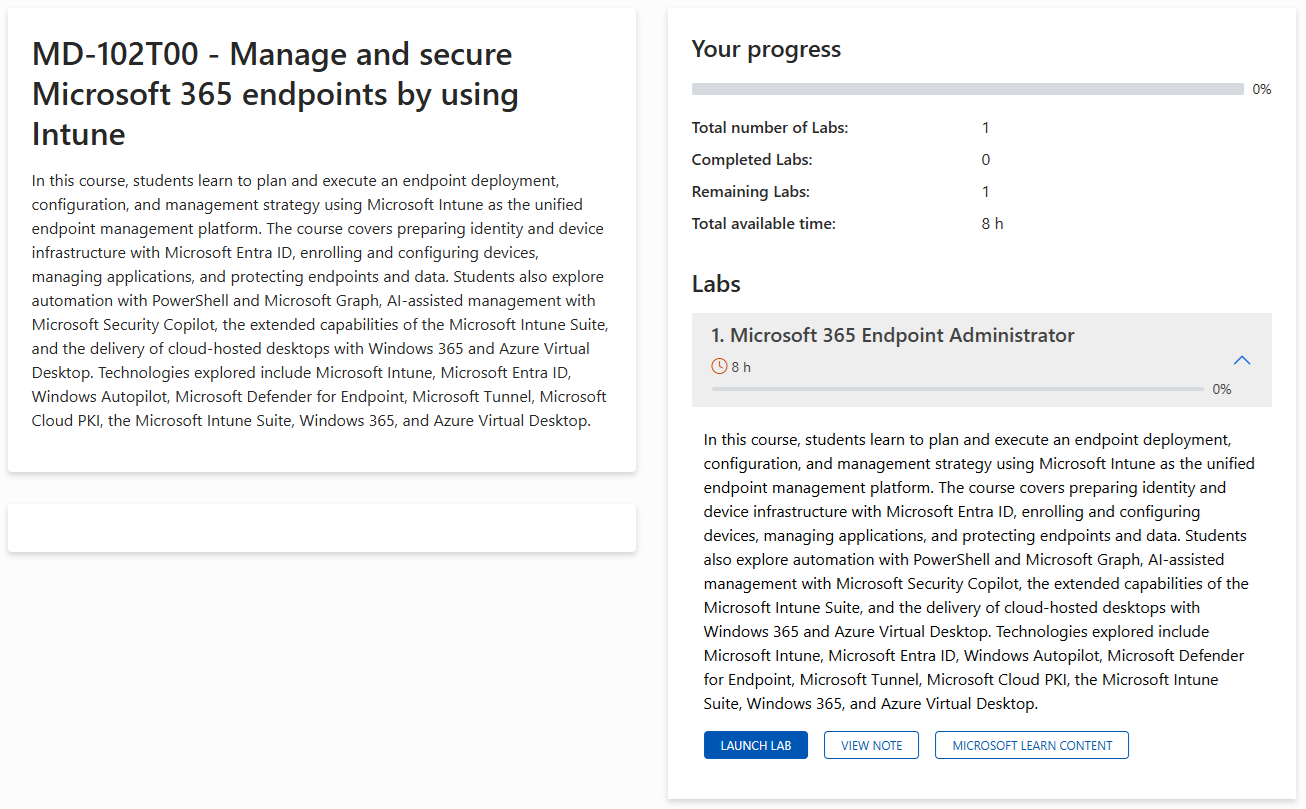
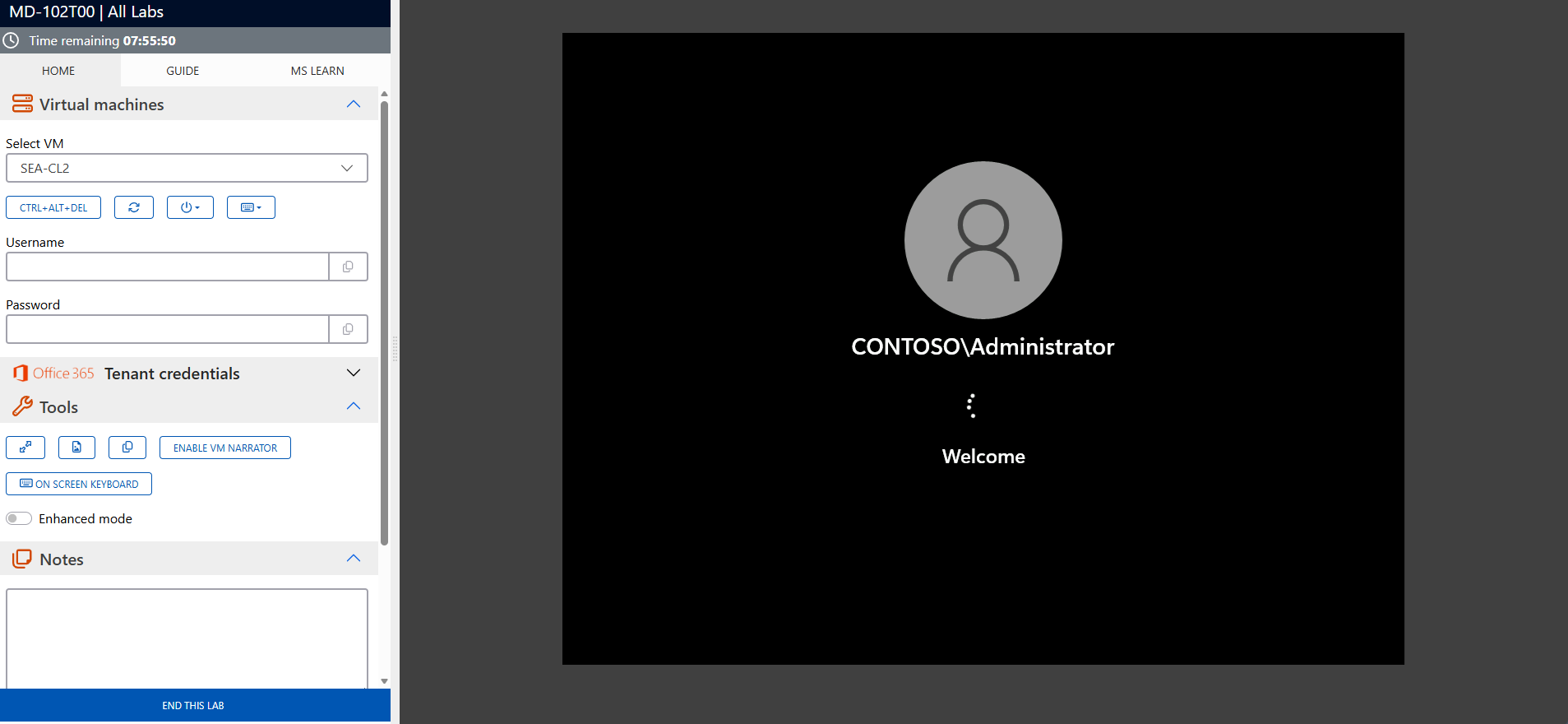
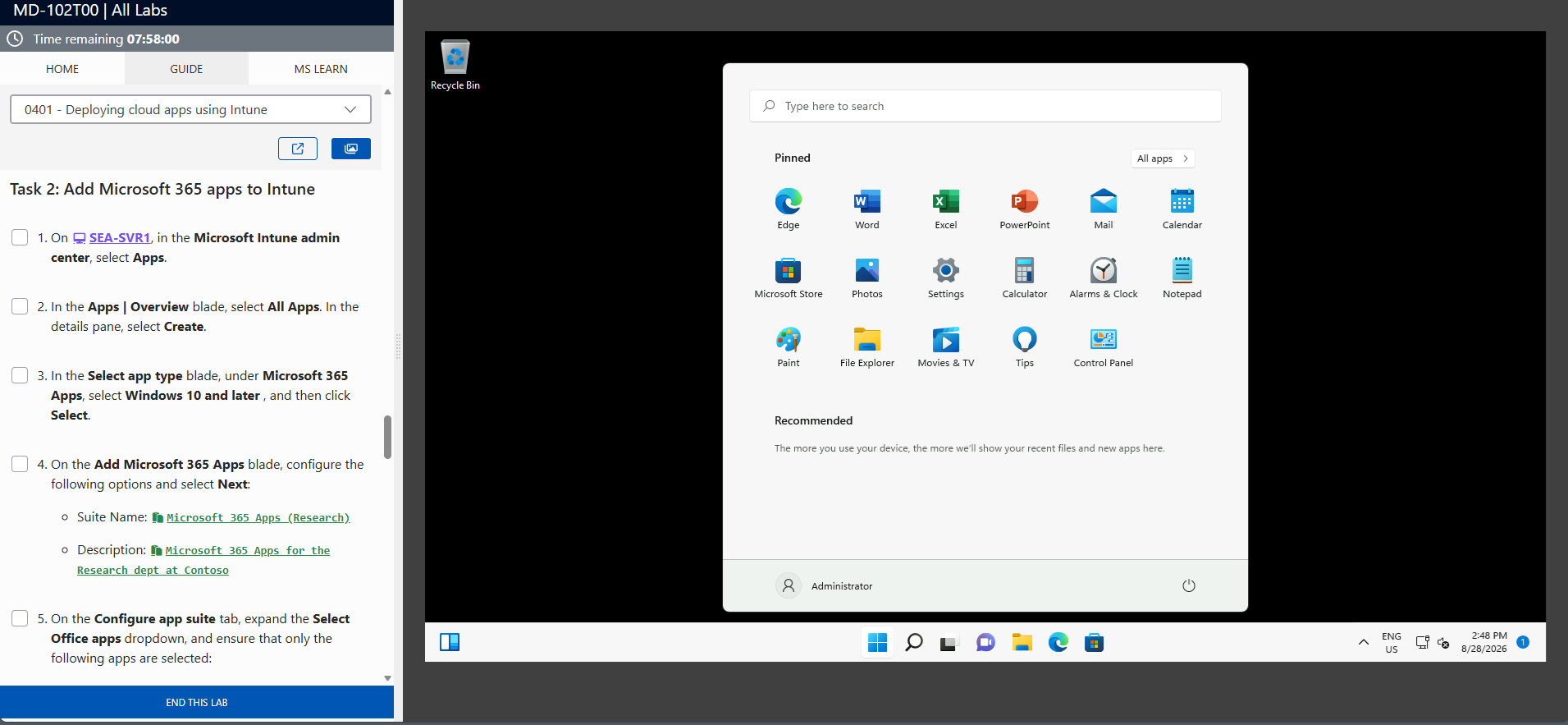
The screenshots above are provided as examples and may vary depending on the lab version and updates.
Who Should Attend?
This training is ideal for:
- IT administrators responsible for managing virtual desktop infrastructure
- Cloud architects working on projects that require Azure Virtual Desktop solutions
- Professionals preparing for the Azure Virtual Desktop Specialty (AZ-140) certification
- Organizations seeking to enhance their workforce flexibility through virtual desktop environments
Enhance Your Skills with Azure Virtual Desktop Solutions
The Microsoft Certified: Azure Virtual Desktop Specialty (AZ-140) training provides the skills and knowledge needed to design, deploy, and manage virtual desktop solutions that meet modern business needs. Enroll today to advance your career and achieve a globally recognized certification.
AZ-140 Exam Success Strategies
Mastering the AZ-140 certification requires more than technical knowledge – strategic preparation, effective time management, and optimal mental performance are equally crucial for success.
AZ-140 Exam Statistics & Success Rates
- Average Pass Rate: 60-65% on first attempt (Microsoft Specialty level average)
- Most Common Score Range: 720-780 for passing candidates
- Average Study Time: 8-10 weeks for experienced virtualization professionals
- Retake Rate: 30-35% of candidates require a second attempt
- Top Failure Areas: FSLogix profile management (38%), network connectivity and security (34%), session host optimization (29%)
Study Method Comparison
| Study Approach | Duration | Pass rate | Best For |
|---|---|---|---|
|
Hands-on Practice Only |
6-7 weeks |
40-50% |
Experienced AVD admins |
|
Documentation + Practice |
8-9 weeks |
65-70% |
Methodical learners |
|
Training + Labs + Practice |
8-10 weeks |
80-85% |
Comprehensive preparation |
|
Practice Tests Only |
3-4 weeks |
30-40% |
Not recommended |
Strategic Study Approach
- Create an 8-10 week study timeline – Specialty certifications require more intensive preparation than associate level
- Follow the 70-20-10 rule – 70% hands-on practice with AVD environments, 20% reading documentation, 10% practice tests
- Focus on scenario-based learning – AZ-140 emphasizes real-world Azure Virtual Desktop implementation over memorization
- Study in 90-minute focused blocks with 15-minute breaks to maximize retention
Common Exam Pitfalls to Avoid
- Don’t confuse personal and pooled host pools – understand when to use each deployment model and their scaling implications
- FSLogix profile containers vs. Office containers – know the differences and when to implement each solution
- Network security group rules vs. Azure Firewall – understand layered security approaches for AVD environments
- Session host image management – distinguish between custom images, Azure Compute Gallery, and marketplace images
- MSIX app attach vs. traditional app deployment – know when to use modern application delivery methods
- Conditional Access policies for AVD – understand how to implement Zero Trust security for virtual desktop access
Topic Weight Distribution
| Exam Domain | Weight | Focus Areas | Priority |
|---|---|---|---|
|
Plan an Azure Virtual Desktop Architecture |
10-15% |
Requirements analysis, capacity planning, network design |
Medium |
|
Implement an Azure Virtual Desktop Infrastructure |
25-30% |
Host pools, session hosts, networking, storage |
Critical |
|
Manage Access and Security |
10-15% |
Authentication, authorization, Conditional Access |
Medium |
|
Manage User Environments and Apps |
20-25% |
FSLogix, user profiles, application management |
Critical |
|
Monitor and Maintain an Azure Virtual Desktop Infrastructure |
30-35% |
Performance monitoring, troubleshooting, optimization |
Critical |
Exam Day Time Management
- Allocate 90 seconds per question on average – this gives buffer time for complex scenarios
- Read case studies completely first before attempting related questions
- Flag uncertain questions and return to them – don’t get stuck on difficult items
- Reserve 15 minutes at the end for reviewing flagged questions and checking answers
Managing Exam Stress & Performance
- Get 7-8 hours of quality sleep the night before – avoid last-minute cramming
- Arrive 30 minutes early to settle in and complete check-in procedures calmly
- Use deep breathing techniques if you feel overwhelmed during the exam
- Trust your preparation – your first instinct is usually correct on scenario questions
Technical Preparation Tips
- Practice with Azure portal, PowerShell, and ARM templates – know multiple ways to deploy and manage AVD resources
- Master FSLogix configuration and troubleshooting – this is heavily weighted and often confuses candidates
- Understand network requirements thoroughly – bandwidth, latency, and connectivity scenarios are critical
- Review monitoring and optimization tools – know how to use Azure Monitor, Log Analytics, and performance counters
Final Week Preparation
- Take 2-3 practice exams to identify knowledge gaps and build confidence
- Review Microsoft’s official exam objectives one final time
- Avoid learning new concepts – focus on reinforcing what you already know
- Prepare your exam day logistics – route to test center, required identification, arrival time
Mental Preparation Strategies
- Visualize success scenarios – imagine yourself confidently answering questions
- Remind yourself of your hands-on experience – you’ve likely managed many of these virtualization scenarios before
- Stay positive during difficult questions – every candidate faces challenging scenarios
- Remember that 700/1000 passes – you don’t need perfection, just solid competency
How to Schedule Your AZ-140 Exam
- Official Testing Provider: Pearson VUE is Microsoft’s authorized testing partner for AZ-140
- Scheduling Process: Create a Pearson VUE account, search for “AZ-140”, select your preferred test center and date
- Exam Cost: Included with your Eccentrix training – exam voucher provided for this specialty-level certification
- Scheduling Timeline: Book at least 2-3 weeks in advance for better time slot availability
- Rescheduling Policy: Free rescheduling up to 24 hours before your exam appointment
- Required ID: Government-issued photo ID (passport, driver’s license) matching your registration name exactly
Success Mindset: Approach AZ-140 as a validation of your existing Azure Virtual Desktop expertise rather than a test of memorized facts. Your practical experience with virtual desktop infrastructure, user profile management, and remote access solutions is your greatest asset.
Frequently asked questions
What topics are covered in the AZ-140 training?
The course covers planning and designing Azure Virtual Desktop environments, configuring virtual desktop infrastructure, securing and optimizing desktops, and troubleshooting performance issues.
Who is this course designed for?
This course is intended for IT administrators, cloud architects, and professionals managing virtual desktop solutions in Azure.
What prior knowledge is required?
Participants should have experience with Microsoft Azure, basic networking knowledge, and familiarity with virtualization concepts.
How does this training prepare for the AZ-140 certification?
The course aligns with the objectives of the AZ-140 certification exam, providing both theoretical knowledge and hands-on experience to ensure success.
What tools and technologies are covered in this course?
Participants will use tools like Azure Portal, FSLogix, Azure Monitor, and Azure Active Directory to manage and optimize virtual desktop environments.
What are the benefits of earning the Azure Virtual Desktop Specialty certification?
This certification validates your expertise in managing Azure Virtual Desktop solutions, enhancing your career opportunities and demonstrating your ability to support remote work environments.
