
Administer Windows Server (AZ-802T00)
Training plan
Module 1: Deploy and manage Active Directory Domain Services
- Deploy and manage Active Directory Domain Services domain controllers
- Deploy and manage Azure IaaS Active Directory domain controllers in Azure
- Manage AD DS domain controllers and FSMO roles
- Create and manage Active Directory objects
- Implement hybrid identity with Windows Server
- Create and configure Group Policy Objects in Active Directory
- Implement Group Policy Objects
- Manage advanced features of AD DS
Module 2: Manage Windows Server instances and workloads in a hybrid environment
- Administer and manage Windows Server IaaS Virtual Machine remotely
- Describe Windows Server administration tools
- Just Enough Administration in Windows Server
- Perform Windows Server secure administration
- Use advanced Windows PowerShell remoting techniques
- Manage single and multiple computers by using Windows PowerShell remoting
- Manage hybrid workloads with Azure Arc
- Manage Azure updates
- Automate the configuration of Windows Server IaaS Virtual Machines
- Enforce VM security configuration with Azure Machine Configuration
- Explore Azure Automation with DevOps
Module 3: Manage virtual machines
- Configure and manage Hyper-V virtual machines
- Configure and manage Hyper-V
- Secure Hyper-V workloads
- Implement high availability of Windows Server VMs
- Run containers on Windows Server
- Plan and deploy Windows Server IaaS Virtual Machines
- Implement scale and high availability with Windows Server VM
- Implement Windows Server IaaS VM IP addressing and routing
- Implement Windows Server IaaS VM network security
- Administer and manage Windows Server IaaS Virtual Machine remotely
Module 4: Implement and manage an on-premises and hybrid networking infrastructure
- Implement Windows Server DNS
- Implement DNS for Windows Server IaaS VMs
- Secure Windows Server DNS
- Deploy and manage DHCP
- Implement IP Address Management
- Implement Windows Server IaaS VM IP addressing and routing
Module 5: Manage storage and file services
- Implement a hybrid file server infrastructure
- Manage Windows Server file servers
- Implement Storage Spaces and Storage Spaces Direct
- Implement Windows Server Data Deduplication
- Implement Windows Server iSCSI
- Implement Windows Server Storage Replica
Recommended prerequisite knowledge
- Experience managing Windows Server operating systems and Windows Server workloads in on-site scenarios, including AD DS, DNS, DFS, Hyper-V, and file and storage services.
- Experience with common Windows Server management tools (implied in the first prerequisite).
- Basic knowledge of key Microsoft computing, storage, networking, and virtualization technologies (implied in the first prerequisite).
- Experience and understanding of basic networking technologies such as IP addressing, name resolution, and the DHCP (Dynamic Host Configuration Protocol).
- Experience working with and understanding Microsoft Hyper-V and basic server virtualization concepts.
- Awareness of basic security best practices.
- Basic understanding of security-related technologies (firewalls, encryption, multi-factor authentication, SIEM/SOAR).
- Basic knowledge of on-site resiliency for Windows Server-based computing and storage technologies (failover clustering, storage spaces).
- Basic experience in implementing and managing IaaS services in Microsoft Azure.
- Basic knowledge of Azure Active Directory.
- Practical experience with client operating systems such as Windows 10 or Windows 11.
- Basic experience with Windows PowerShell.
Credentials and certification
Exam features
- Code: AZ-802
- Title: Administering Windows Server
- Duration: 120 minutes
- Number of Questions: 40 to 60
- Question Format: Multiple choice, multiple response, scenario-based
- Passing Score: 700 out of 1000
- Cost: $0 (included in your training)
Exam topics
- Deploy and manage Active Directory Domain Services (AD DS)
- Manage Windows Server instances and workloads in a hybrid environment
- Manage virtual machines
- Implement and manage on-premises and hybrid network infrastructure
- Manage storage and file services
- Secure Windows Server infrastructure
- Monitor and troubleshoot Windows Server environments
Eccentrix Corner Articles: Windows Server Administrator Associate AZ-802 Resources
Explore our technical articles on the Windows Server Administrator Associate (AZ-802) certification, published on Eccentrix Corner. These resources delve into key concepts, share best practices, and provide practical guides to maximize your learning and exam success. Our experts share real-world insights to help you master Windows Server administration, security, and hybrid management.





Windows Server Administrator Associate Training
The Microsoft Certified: Windows Server Administrator Associate (AZ-802) training course is designed for IT professionals responsible for managing, optimizing, and securing infrastructures that combine on-premises Windows Server environments with Microsoft Azure. This unified course replaces the previous two-exam pathway (AZ-800 and AZ-801) to provide comprehensive, direct preparation for the AZ-802 exam.
The training offers hands-on experience with key topics such as Active Directory deployment and management, hybrid network configuration, virtual machine management, workload security, and server monitoring and troubleshooting. By completing this 5-day course, participants prepare to take the AZ-802 exam and earn the Windows Server Administrator Associate certification.
Why choose the Windows Server Administrator Associate (AZ-802) training course?
With the growing adoption of hybrid infrastructures, organizations are seeking experts capable of ensuring seamless integration, efficient management, and enhanced security across on-premises and cloud environments. This comprehensive training provides the skills needed to tackle the challenges of modern Windows Server administration, enabling IT professionals to master these complex environments.
Earning the Windows Server Administrator Associate certification via the AZ-802 exam demonstrates your ability to manage, secure, and troubleshoot on-premises and hybrid infrastructures, positioning you as a vital asset in an ever-evolving IT landscape.
Key Skills Developed in the Training
Deploy and manage Active Directory Domain Services (AD DS)
Learn to deploy, configure, and administer on-premises and cloud-based domain controllers, and manage AD objects, identity synchronization, and Group Policies (GPOs).Manage servers and hybrid workloads
Master remote and centralized management of physical and virtual servers by leveraging modern tools such as Windows Admin Center, PowerShell remoting, and Azure Arc.Manage virtualization and virtual machines
Learn to deploy, configure, and optimize on-premises Hyper-V virtual machines as well as Windows Server instances in Azure IaaS.Implement and manage hybrid network infrastructure
Configure core network services (IP, DNS, DHCP), hybrid addressing, and secure connectivity between on-premises and cloud networks.Manage storage and file services
Implement high-performance storage solutions (Storage Spaces Direct, iSCSI) and manage file shares, permissions, and hybrid synchronization.Secure Windows Server infrastructure
Apply security best practices, the principle of least privilege, system hardening, and integration with Microsoft Defender for Cloud.- Monitor and troubleshoot Windows Server environments
Use Azure Monitor, Event Viewer, and Azure Update Manager to analyze performance, manage updates, and quickly resolve IT issues.
Instructor-led training for comprehensive hybrid expertise
The AZ-802 training is delivered by experienced Microsoft Certified Instructors, offering practical insights, real-world scenarios, and hands-on exercises. Participants will develop the skills needed to tackle hybrid administration challenges and prepare for the certification exam with confidence.
This unified course format ensures a balanced approach combining theoretical knowledge with practical application—ideal for professionals looking to advance their skills in managing and securing Windows Server and hybrid infrastructures.
Laboratory environment (overview)
You will practice in a structured lab environment with guided steps to validate your progress throughout the exercises. Depending on the lab, it is usually possible to save your progress and resume the steps later, making it easier to practice between sessions.
To ensure a complete experience, a Microsoft 365/Azure tenant environment may be provided to access the features required for the course scenarios (depending on the module requirements and lab conditions).
After the training, access to the lab remains available for a defined period. Tenant access may be time-limited, while access to the virtual machines and guided steps remains available for up to 180 days.
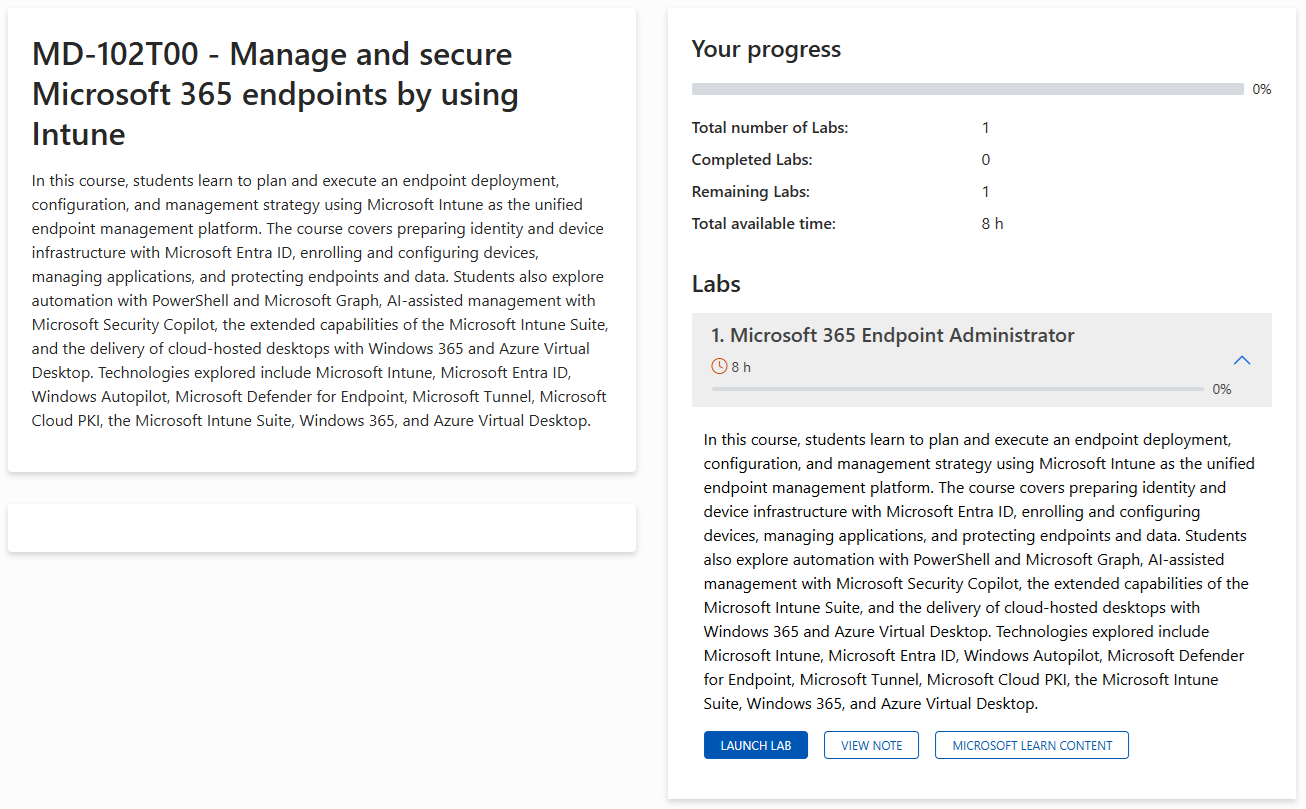
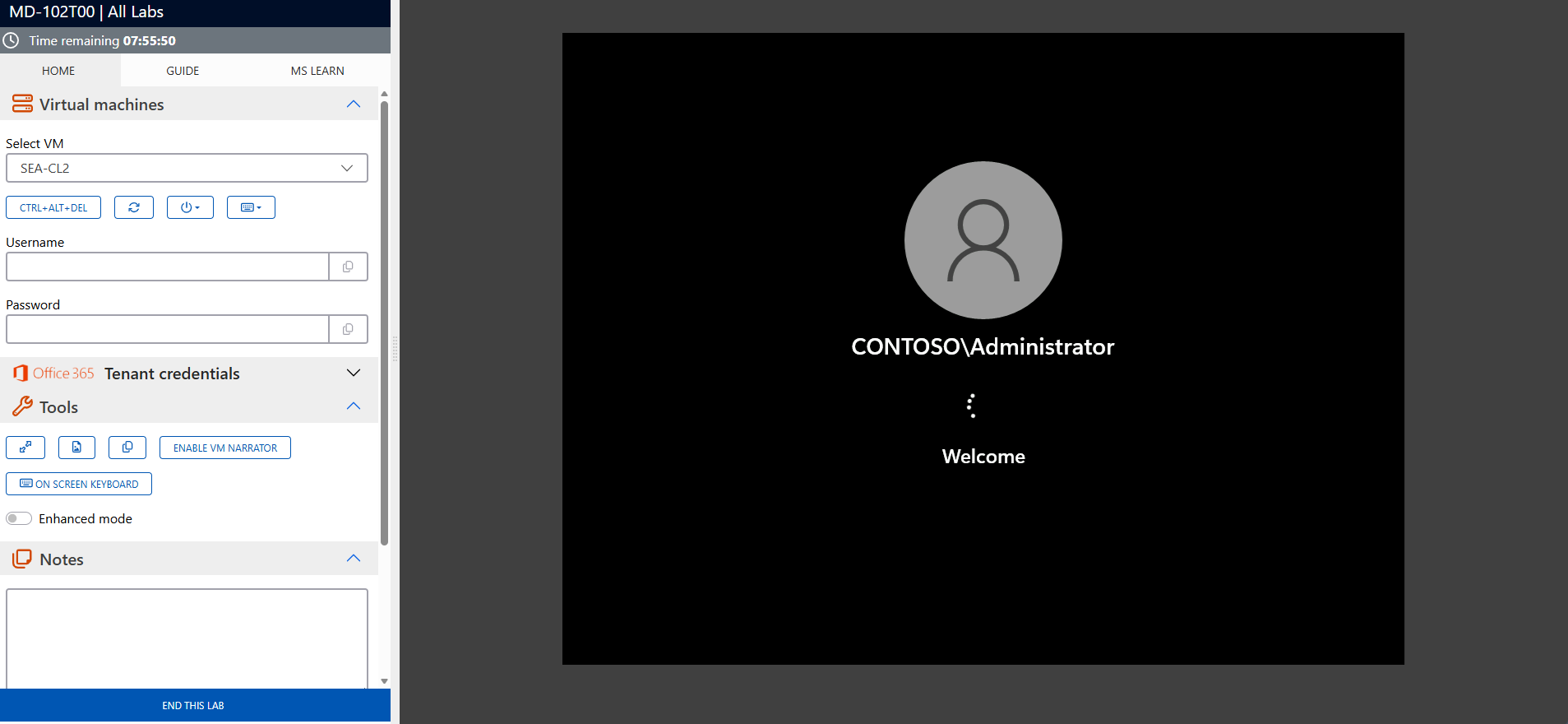
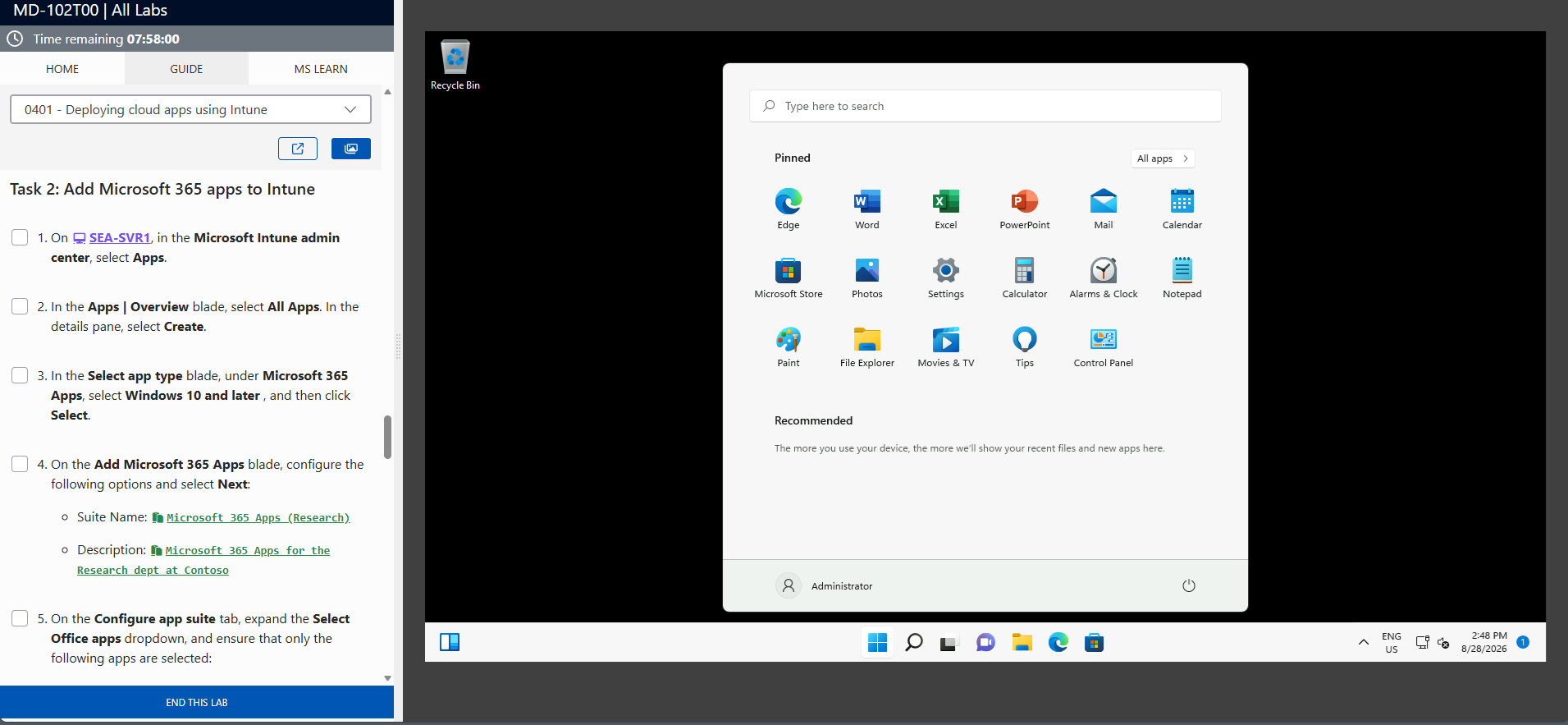
The screenshots above are provided as examples and may vary depending on the lab version and updates.
Who Should Attend?
This training is perfect for:
- IT administrators and infrastructure engineers responsible for managing hybrid environments
- Professionals preparing for the Windows Server Administrator Associate (AZ-802) certification
- Cloud architects and consultants working on hybrid integration projects
- Organizations seeking to upskill their IT teams in hybrid server management
Master Windows Server management with the new Microsoft certification
The Microsoft Certified: Windows Server Administrator Associate (AZ-802) training prepares you to effectively manage, secure, and optimize on-premises and hybrid infrastructures to earn your certification. Sign up today to develop your on-premises and cloud skills and advance your career in IT administration.
AZ-802 Exam Success Strategies
Mastering the AZ-802 exam is the direct path to earning the Windows Server Administrator Associate certification. Strategic preparation, effective time management, and optimal mental performance are equally crucial to succeeding in this certification exam.
AZ-802 Exam Statistics & Success Rates
- Average Pass Rate: 65-70% on first attempt (Microsoft Associate level average)
- Most Common Score Range: 720-780 for passing candidates
- Average Study Time: 6-8 weeks for experienced Microsoft 365 administrators
- Retake Rate: 25-30% of candidates require a second attempt
- Top Failure Areas: Monitoring and troubleshooting Windows Server and hybrid environments (38%), deployment and management of Active Directory Domain Services (AD DS) (35%), implementation of storage, file services, and synchronization (32%)
Study Method Comparison
| Study Approach | Duration | Pass rate | Best For |
|---|---|---|---|
|
Hands-on Practice Only |
4-5 weeks |
45-55% |
Experienced Windows admins |
|
Documentation + Practice |
6-7 weeks |
70-75% |
Methodical learners |
|
Training + Labs + Practice |
6-8 weeks |
85-90% |
Comprehensive preparation |
|
Practice Tests Only |
2-3 weeks |
35-45% |
Not recommended |
Strategic Study Approach
- Create a 6-8 week study timeline – Don’t cram for this associate-level certification
- Follow the 70-20-10 rule – 70% hands-on practice with Windows Server and Azure hybrid scenarios, 20% reading documentation, 10% practice tests
- Focus on scenario-based learning – AZ-802 emphasizes real-world hybrid infrastructure management over memorization
- Study in 90-minute focused blocks with 15-minute breaks to maximize retention
Common Exam Pitfalls to Avoid
- Distinguish between identity models – Understand the fundamental differences and the coexistence of on-premises AD DS, Entra ID (formerly Azure AD), and hybrid identity scenarios.
- Remote management and integration methods – Know exactly when to prioritize Windows Admin Center, PowerShell Remoting, or Azure Arc for administering on-premises and cloud servers.
- Storage synchronization and migration options – Clearly distinguish between the use of Storage Migration Service, Storage Spaces Direct, and Azure File Sync based on infrastructure requirements.
- Virtualization strategies – Identify the right architectural choice among on-premises Hyper-V management, Azure IaaS virtual machine configuration, and high availability setups.
- Hybrid network integration – Master routing, hybrid DNS resolution, and DHCP allocation between your on-premises subnets and Azure virtual networks.
Monitoring and security tools – Distinguish between the roles of Azure Monitor, Azure Update Manager, and Microsoft Defender for Cloud regarding server maintenance and hardening.
Topic Weight Distribution
| Exam Domain | Weight | Focus Areas | Priority |
|---|---|---|---|
|
Deploy and manage Active Directory Domain Services (AD DS) |
20-25% |
AD DS, domain controllers, AD objects, identity synchronization, GPOs |
Critical |
|
Manage Windows Server instances and workloads |
10-15% |
Windows Admin Center, PowerShell remoting, Azure Arc, remote management |
High |
|
Manage virtual machines |
10-15% |
Hyper-V, Azure IaaS virtual machines, containers, high availability |
High |
|
Implement and manage local and hybrid network infrastructure |
10-15% |
DNS, DHCP, IP addressing, hybrid routing, Azure network connectivity |
High |
|
Manage storage and file services |
15-20% |
Storage Spaces Direct, Azure File Sync, file shares, iSCSI |
Critical |
|
Windows Server Infrastructure Security |
10-15% |
Security strategies, least privilege, Microsoft Defender for Cloud |
High |
|
Monitor and troubleshoot Windows Server environments |
15-20% |
Azure Monitor, Azure Update Manager, event logs, troubleshooting |
Critical |
Exam Day Time Management
- Allocate 90 seconds per question on average – this gives buffer time for complex scenarios
- Read case studies completely first before attempting related questions
- Flag uncertain questions and return to them – don’t get stuck on difficult items
- Reserve 15 minutes at the end for reviewing flagged questions and checking answers
Managing Exam Stress & Performance
- Get 7-8 hours of quality sleep the night before – avoid last-minute cramming
- Arrive 30 minutes early to settle in and complete check-in procedures calmly
- Use deep breathing techniques if you feel overwhelmed during the exam
- Trust your preparation – your first instinct is usually correct on scenario questions
Technical Preparation Tips
- Practice with Azure AD Connect extensively – know how to configure password hash sync, pass-through authentication, and federation
- Master Windows Admin Center – understand how to deploy, configure, and manage Windows Server through WAC
- Understand Azure File Sync – know how to set up cloud tiering and sync on-premises file servers with Azure
- Review Storage Migration Service – understand how to migrate file servers to Windows Server or Azure
Final Week Preparation
- Take 2-3 practice exams to identify knowledge gaps and build confidence
- Review Microsoft’s official exam objectives one final time
- Avoid learning new concepts – focus on reinforcing what you already know
- Prepare your exam day logistics – route to test center, required identification, arrival time
Mental Preparation Strategies
- Visualize success scenarios – imagine yourself confidently answering questions
- Remind yourself of your hands-on experience – you’ve likely managed Windows Server environments before
- Stay positive during difficult questions – every candidate faces challenging scenarios
- Remember that 700/1000 passes – you don’t need perfection, just solid
How to Schedule Your AZ-802 Exam
- Official Testing Provider: Pearson VUE is Microsoft’s authorized testing partner for AZ-802
- Scheduling Process: Create a Pearson VUE account, search for “AZ-802”, select your preferred test center and date
- Exam Cost: Included with your Eccentrix training – exam voucher provided for this associate-level certification
- Scheduling Timeline: Book at least 2-3 weeks in advance for better time slot availability
- Rescheduling Policy: Free rescheduling up to 24 hours before your exam appointment
- Required ID: Government-issued photo ID (passport, driver’s license) matching your registration name exactly
Success Mindset: Approach the AZ-802 exam as a validation of your existing skills in managing Windows Server, hybrid infrastructure, and identity, rather than merely a test of memorized facts. Your hands-on experience with Active Directory, Microsoft Entra ID (Azure AD), virtualization, and storage solutions is your greatest asset. This is the specific exam required to earn the Windows Server Administrator Associate certification.
Frequently asked questions
What topics are covered in the AZ-802 training?
This training covers hybrid Active Directory integration, hybrid network configuration, workload security, and the migration and optimization of hybrid infrastructures.
Who should enroll in this training?
This course is ideal for IT administrators, cloud architects, and infrastructure engineers responsible for managing hybrid environments that combine on-premises and Azure solutions.
What prior knowledge is recommended for this training?
Participants should have experience managing Windows Server environments and a foundational understanding of Microsoft Azure services.
How does this training prepare for the AZ-802 certification?
The training is directly aligned with the official objectives of the new unified certification exam, offering a balance between in-depth theoretical knowledge and practical laboratory exercises to ensure optimal success.
What tools and technologies will be covered in this course?
The training covers Windows Server, Active Directory Domain Services (AD DS), Microsoft Entra ID (formerly Azure AD), Windows Admin Center, PowerShell, Azure Arc, Hyper-V, Azure Virtual Machines, Storage Spaces Direct, Azure File Sync, Azure Monitor, Azure Update Manager, and Microsoft Defender for Cloud.
What career benefits does the Windows Server Administrator Associate certification provide?
This certification demonstrates expertise in managing hybrid infrastructures, making you a valuable asset to companies adopting hybrid and cloud solutions.
Is the AZ-802 training available as live virtual training?
Yes, this course is offered as an interactive live virtual class via Microsoft Teams, allowing participants to attend remotely while engaging in practical exercises and expert guidance.
What discount or financing options are available for the AZ-802 training?
A 15% discount is available for public sector, health, and education organizations. Flexible financing solutions are also offered to help manage the investment in this certification training.