
Training plan
Module 1: Introduction to the Linux Operating System
- History of Linux
- Linux Distributions
- Interface Types
- Review Questions
Module 2: Understanding the Shell
- Types of Shells
- Bash Command Syntax
- Variables
- Review Questions
- Lab: Using the Shell
Module 3: Finding Documentation
- Man Pages
- Additional Documentation Options
- Review Questions
- Lab: Getting Help
Module 4: Using Text Editors
- CLI Editors
- GUI Editors
- Review Questions
- Lab: Using Text Editors
Module 5: User and Group Management
- User Management
- Group Management
- Privilege Escalation
- Review Questions
- Lab: User and Group Management
Module 6: Setting File System Permissions
- Configuring Standard Permissions
- Changing Ownership
- Using Special Permissions
- Review Questions
- Lab: Setting File System Permissions
Module 7: File System Navigation and Management
- Understanding the Linux File System Structure
- Managing Files and Directories
- Searching and Manipulating Files
- Redirection and Command Chaining
- Review Questions
- Lab: File System Management
Module 8: Basic Networking
- View the Network Configuration
- Troubleshoot the Network Configuration
- Configuring Remote Administration
- Review Questions
- Lab: Basic Networking
Module 9: Service and Process Management
- Understanding Services
- Managing Targets
- Managing Processes
- Review Questions
- Lab: Managing Services and Processes
Module 10: Software Management
- Package Management
- Compiling Software
- Understanding Libraries
- Review Questions
- Lab: Managing Software
Module 11: Scheduling Tasks
- Scheduling with at
- Scheduling with cron
- Review Questions
- Lab: Scheduling Tasks
Module 12: Bash Shell Scripting
- Scripting Basics
- Shell Features in Scripting
- Script Logical Controls
- Review Questions
- Lab: Bash Shell Scripting
Recommended prerequisite knowledge
- Basic Computer Literacy: Familiarity with basic computer operations, such as using a mouse and keyboard, navigating a graphical user interface (GUI), and understanding file management (creating, moving, and deleting files).
- Understanding of Operating Systems: General knowledge of what an operating system is and its role in a computer. This can be from experience with any operating system, such as Windows or macOS.
- Interest in Learning Linux: No prior experience with Linux is usually required, but a strong interest in learning how to use and manage Linux systems is important.
Eccentrix Corner Articles: Linux Fundamentals LN-4986 Resources
Explore our technical articles on Linux Fundamentals LN-4986 published on Eccentrix Corner. These resources dive deeper into key concepts, share best practices, and provide practical guides to maximize your learning and success. Our experts share real-world insights to help you master the basics of the Linux operating system.



Linux Fundamentals Training
The Linux Fundamentals course (LN4986) is designed to provide a comprehensive and structured immersion into the world of the Linux operating system. This course is intended for IT professionals, whether beginners or those wishing to consolidate their knowledge, in order to develop a rigorous mastery of system administration and the command line (CLI).
Through theoretical concepts and numerous practical exercises (Challenge Labs), participants acquire the necessary skills to navigate the Linux directory structure, manipulate files and permissions, manage users and privileges (sudo), control system processes and services, automate recurring tasks with cron and Bash scripts, and secure remote administration via SSH.
Why choose the Linux Fundamentals (LN4986) course?
Linux is at the heart of modern IT infrastructures, cloud computing, containerization, and DevOps environments due to its stability, flexibility, and security. Mastering the command-line interface (CLI) and fundamental Linux concepts is now a key skill for any IT professional. This hands-on training combines theoretical courses with immersive Challenge Labs to enable you to gain complete autonomy in managing files, permissions, users, systemd services, and automation via Bash scripts.
By developing a solid understanding of the inner workings of Linux, you will enhance your operational versatility, increase your daily efficiency, and lay the essential foundation for progressing towards advanced system administration, cloud computing, or DevOps.
Skills Developed During the Training
Our LN4986 course provides hands-on, in-depth instruction on using and managing Linux systems. Key skills developed include:
Mastering the Command Line Interface (CLI) and documentation
Learn to use the Bash shell, master command syntax, manage environment variables, and effectively utilize system documentation (man pages).Advanced file and directory navigation and management
Manipulate the file system structure, perform advanced searches, master I/O redirection, pipes, and text editing with the standard vi/vim editor.Users, groups, and privileges administration
Create and manage user and group accounts, configure access privilege management with sudo, and enforce access security.System Permissions and File Security
Define standard permissions (read, write, execute), manage file ownership (chown/chgrp), and apply special permissions (SUID, SGID, Sticky Bit).System Process and Service Control
Monitor and manage running processes, and control system services via systemctl (systemd).Basic Network Configuration and Remote Administration
View and diagnose network configurations, and implement secure remote administration via SSH.- Software Package and Library Management
Install, update, and remove software using package managers (RPM, YUM/DNF, APT) and learn how to build from source.
- Task automation and Bash scripting
Schedule one-time or recurring executions with at and cron, and develop Bash shell scripts integrating logical structures (loops, conditions) to automate your daily tasks.
Interactive and Practical Training
This training is led by expert Linux instructors who combine theory and practice to guarantee an enriching and immediately applicable learning experience. Through guided hands-on exercises and real-world simulations (Challenge Labs), participants directly manipulate the command line, explore standard system tools, and apply administration and automation concepts to concrete business scenarios.
Upon completion of the course, you will have the autonomy and confidence needed to administer your Linux environments on a daily basis, diagnose common problems, and automate your infrastructure tasks.
Laboratory environment (overview)
You will practice in a structured lab environment, with guided steps to validate your progress throughout the exercises. Depending on the lab, it is usually possible to save your progress and resume the steps later, making it easier to practice between sessions.
To ensure a comprehensive experience, a fully configured environment is provided, giving you access to the features required for the course scenarios (according to module requirements and lab conditions).
After the training, access to the virtual machines and guided steps remains available for up to 180 days.
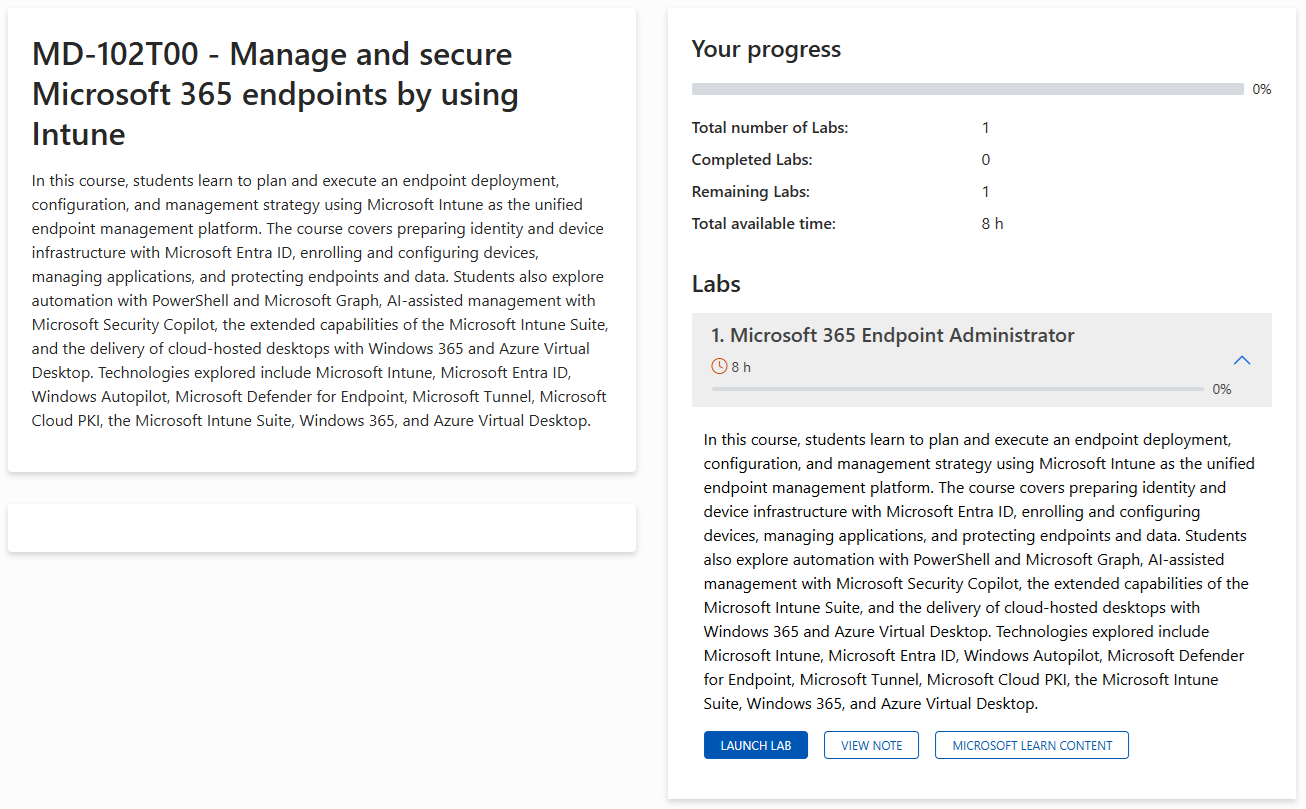
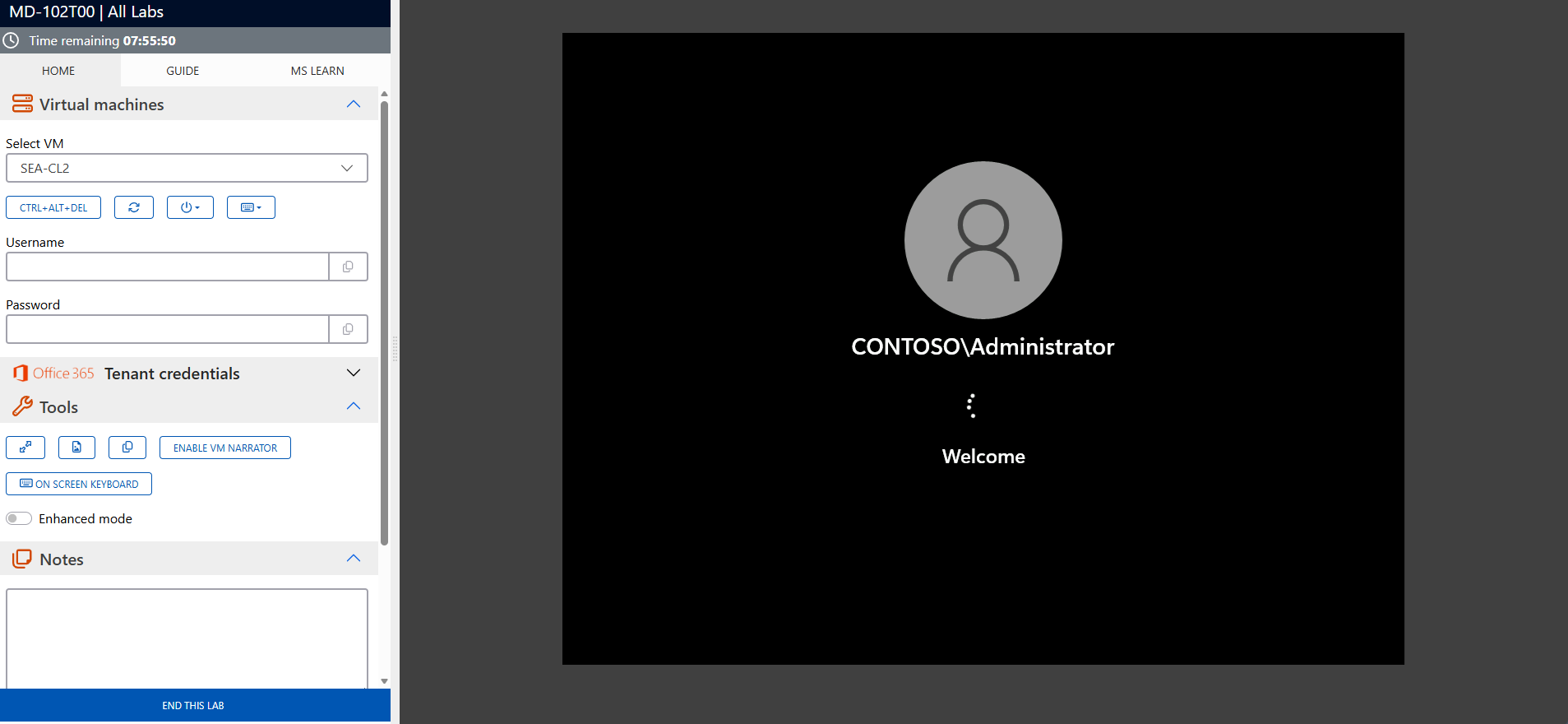
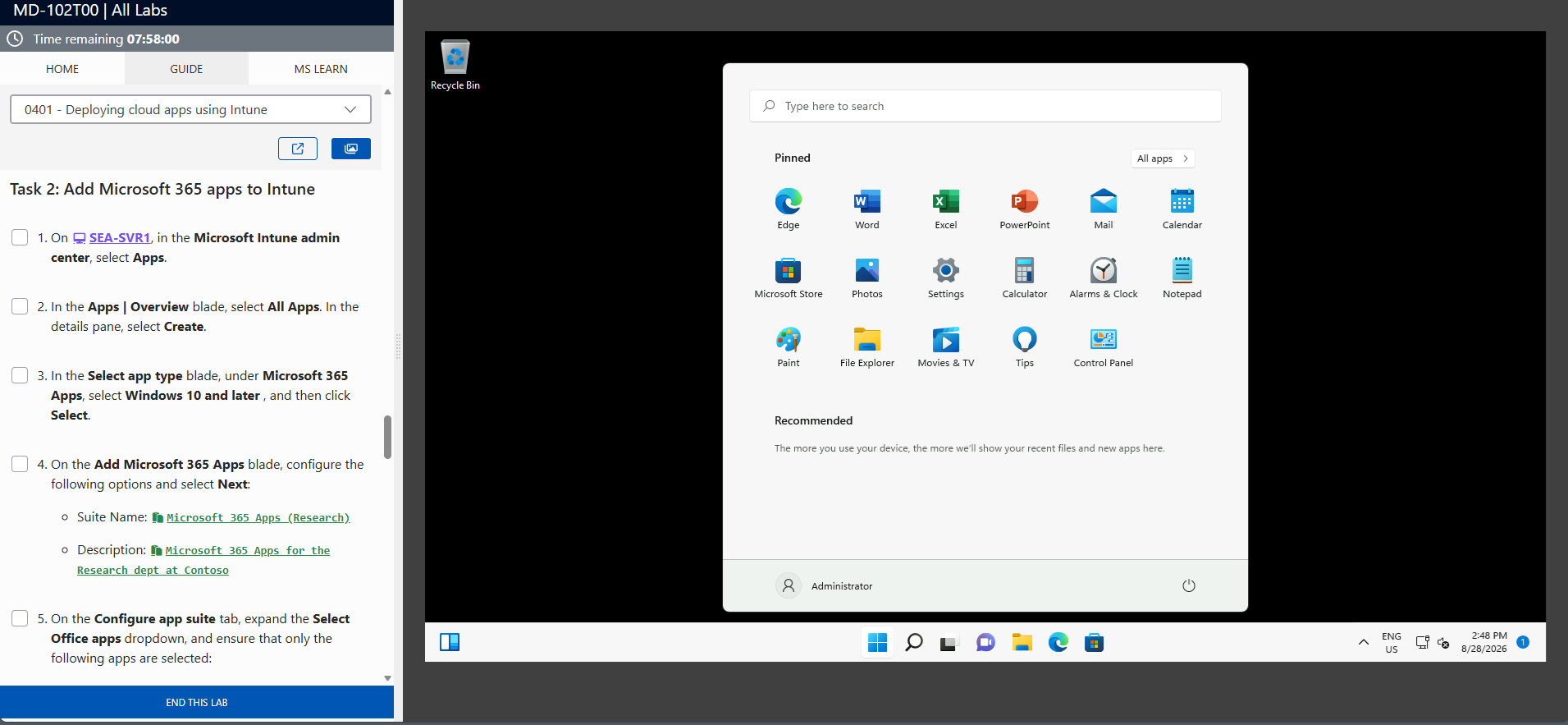
The screenshots above are provided as examples and may vary depending on the lab version and updates.
Who Should Attend?
The Linux Fundamentals course (LN4986) is designed for anyone wishing to acquire a solid and practical foundation in operating and administering Linux systems:
- IT professionals and support technicians: Those wishing to master the command line interface (CLI), file system management, user management, and permissions.
- System and network administrators (Windows/Networks): Those wanting to expand their skills to include hybrid environments and learn how to manage Linux servers, systemd services, and secure SSH access.
- Developers, DevOps engineers, and cloud technicians: Those seeking to understand fundamental Linux architecture, package management, and Bash scripting automation to optimize their deployments and work environments.
Develop your fundamental skills with Linux
By completing the Linux Fundamentals course (LN4986), you will gain a solid understanding of the command line interface (CLI), file and permission management, user control, systemd services, and automation using Bash shell scripts. This course will allow you to overcome any hesitation you may have about the text interface, securely administer remote servers, and effectively work within modern enterprise infrastructures.
Strengthen your system administration skills today and prepare for the challenges of Cloud and DevOps. Enroll in our LN4986 course now to propel your IT career!
Frequently asked questions
The training covers Bash shell syntax, file/permission navigation and management, user and privilege administration (sudo), process and service control (systemctl), basic network configuration, secure access via SSH, software package management, task scheduling (cron/at) as well as a practical introduction to Bash scripting.
No. No prior experience with Linux or the command line is required. Only basic computer skills (using a keyboard/mouse, navigating an operating system) are necessary.
Yes. The course combines theory and immersive practical workshops (Challenge Labs). You will apply each concept directly to real virtual environments in order to gain true autonomy in the command line.
You will be using the Bash command interpreter, command-line text editors like vi/vim and nano, standard system administration utilities (systemctl, chown, chmod, sudo), package managers (RPM, YUM/DNF, APT), the SSH remote connection tool, as well as cron and at schedulers.
Absolutely. It’s designed to meet the real-world requirements of enterprise IT infrastructures. The skills you’ll acquire will allow you to administer servers, secure access, and automate your daily tasks in a professional environment.
Since Linux is the cornerstone of modern infrastructure, cloud computing, containers, and DevOps, mastering its fundamentals significantly increases your value in the job market. This training also provides the ideal springboard to advanced certifications and roles such as system administrator, network engineer, or cloud specialist.