
Training plan
Module 1: Get started with Power Apps canvas apps
- Start Power Apps
- Exercise – Create your first app in Power Apps
- Power Apps data sources
- Exercise – Create an app from Excel using Copilot
- Use Power Apps with Power Automate and Power BI
- Designing a Power Apps app
Module 2: Customize a canvas app in Power Apps
- Improve your app by making basic customizations
- Explore controls and screens in canvas apps
- Exercise – Introduction to formulas in canvas apps
- Exercise – Create basic screen navigation for a canvas app
Module 3: How to build the User Interface in a canvas app in Power Apps
- Use themes to quickly change the appearance of your app
- Brand a control
- Icons
- Images
- Personalization
- Build for phones or tablets
- Exercise – Create and adjust UI for a new canvas app
Module 4: Work with external data in a Power Apps canvas app
- Data-source overview
- Add a data source
- Add Office 365 users to your application
- Display and interact with your data in a gallery
- Move data between collections and data sources by using Collect
- Exercise – Work with external data in a canvas app
Module 5: Write data in a Power Apps canvas app
- Introduction to forms
- Form modes
- Adding and customizing an Edit form
- Submit your form
- Special properties
- Exercise- Working with forms
Module 6: Publish, share, and maintain a canvas app
- Exercise – Publish your app
- Exercise – Share your app
- Exercise – Maintain your app
- Application lifecycle management
Module 7: Guided Project - Create and manage canvas apps with Power Apps
- Exercise – Create a canvas app that connects to a data source
Recommended prerequisite knowledge
Basic understanding of Microsoft Power Apps canvas applications and Microsoft Dataverse.
Credentials and certification
Features
- Preparatory training for obtaining a Microsoft Applied Skills credential.
- Performance is assessed through an interactive remote lab.
- Duration: 120 minutes
- Cost: $0
Assessment’s technical tasks
- Create a canvas app from scratch
- Connect a canvas app to a data source
- Configure a gallery
- Configure a details screen
- Configure an input screen
- Save and publish a canvas app
Eccentrix Corner Articles: Create and Manage Canvas Apps with Power Apps PL-7001 Resources
Explore our technical articles on Create and Manage Canvas Apps with Power Apps PL-7001 published on Eccentrix Corner. These resources dive deeper into key concepts, share best practices, and provide practical guides to maximize your learning and success. Our experts share real-world insights to help you master creating and managing canvas apps with Power Apps.



Power Apps Canvas Apps Training
This Power Apps Canvas Apps training equips professionals with the skills needed to design, develop, and manage customized applications using Microsoft Power Apps. This course focuses on utilizing canvas apps, connecting to various data sources, and optimizing applications to meet specific business requirements.
Ideal for developers, functional consultants, and IT professionals, this training provides a strong foundation for mastering Power Apps and automating business processes.
Why Choose the Power Apps Canvas Training?
Power Apps canvas apps offer a flexible approach to creating solutions tailored to complex business challenges. This course teaches participants to leverage low-code features to design applications that address their organization’s unique needs. By mastering Power Apps, you can build dynamic solutions that enhance efficiency and drive innovation.
Key Skills Developed in the Training
Design custom applications with Power Apps
Learn to structure and develop canvas apps tailored to specific requirements.Integrate data from various sources
Discover how to connect Power Apps to on-premises databases, Microsoft Dataverse, and cloud services.Automate business processes
Use Power Automate to integrate automated workflows into your applications.Enhance the user experience
Master user interface customization, permissions management, and application performance optimization.Test and deploy applications
Understand best practices for testing, optimizing, and deploying apps in professional environments.Manage security and compliance
Implement advanced security policies to protect sensitive data and ensure compliance.
Interactive, Instructor-Led Training
This training is led by Microsoft-certified experts who share real-world examples and provide practical exercises. Participants gain a deep understanding of Power Apps canvas applications and develop skills that can be applied immediately to real-world projects.
Laboratory environment (overview)
You will practice in a structured lab environment with guided steps to validate your progress throughout the exercises. Depending on the lab, it is usually possible to save your progress and resume the steps later, making it easier to practice between sessions.
To ensure a complete experience, a Microsoft 365/Azure tenant environment may be provided to access the features required for the course scenarios (depending on the module requirements and lab conditions).
After the training, access to the lab remains available for a defined period. Tenant access may be time-limited, while access to the virtual machines and guided steps remains available for up to 180 days.
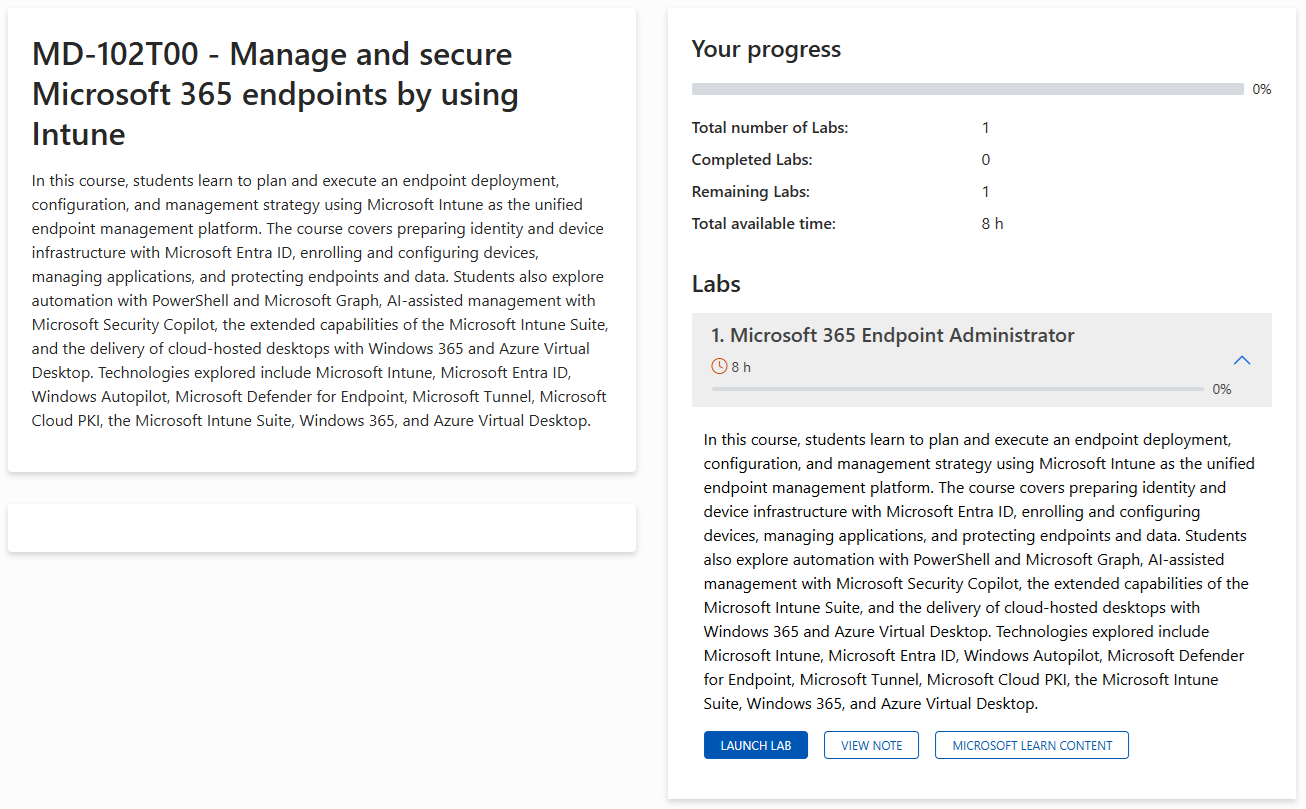
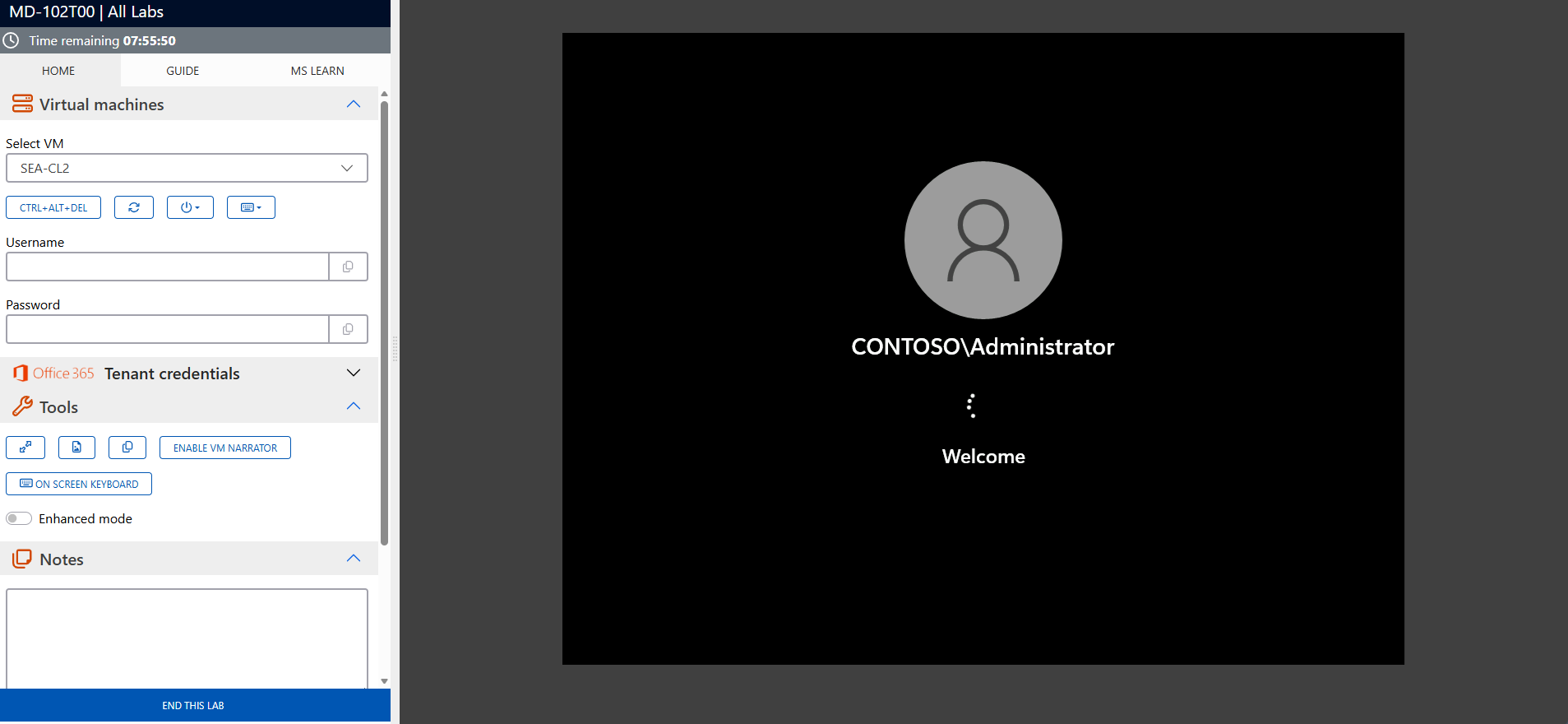
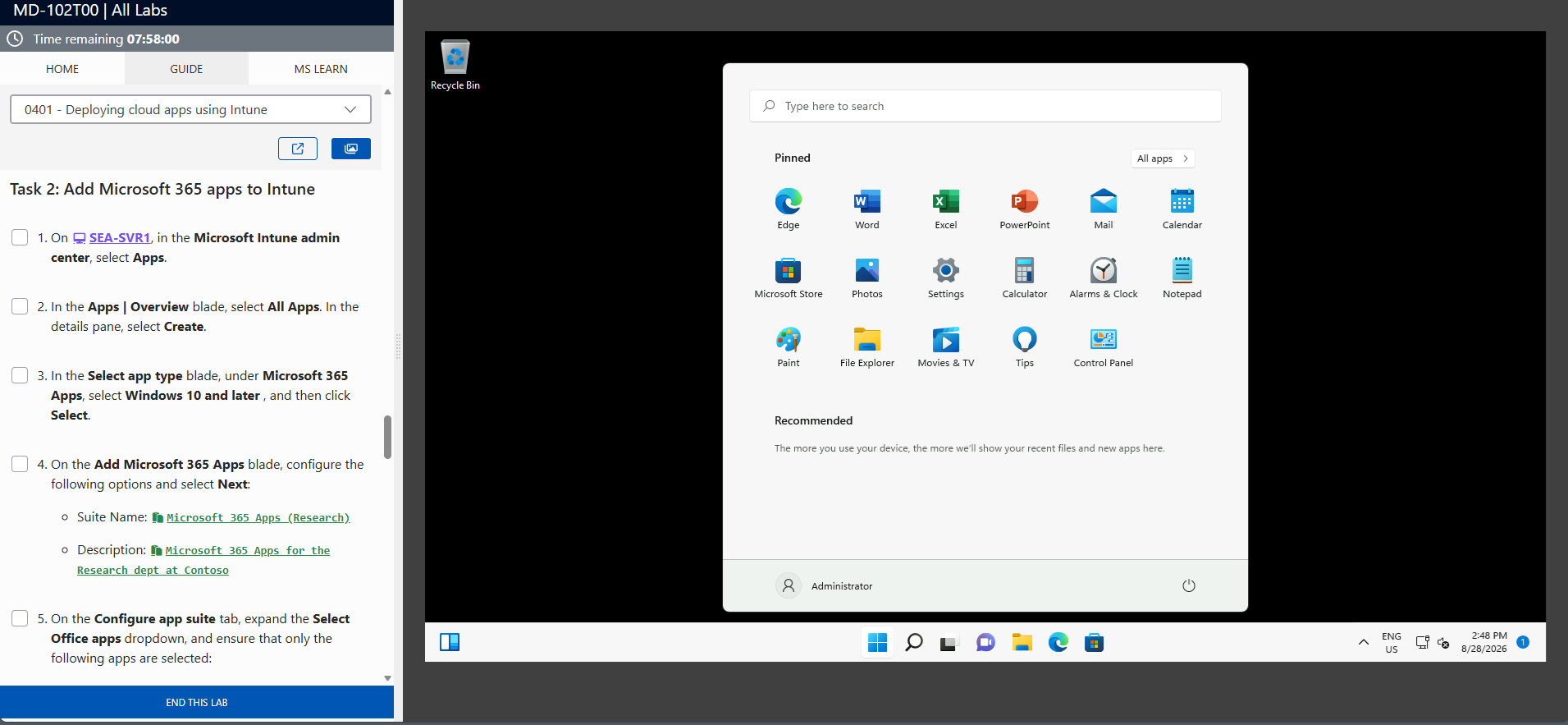
The screenshots above are provided as examples and may vary depending on the lab version and updates.
Who Should Attend?
This training is ideal for:
- Developers looking to create custom applications with Power Apps
- Functional consultants aiming to deliver solutions tailored to business needs
- IT professionals responsible for process automation in their organization
- Businesses seeking to improve efficiency with customized applications
Bring Your Ideas to Life with Power Apps Canvas
The Create and Manage Canvas Apps with Power Apps (PL-7001) training equips you with the skills to design custom applications that address business challenges. Enroll today to master Power Apps and deliver innovative solutions for your organization.
Frequently asked questions
What topics are covered in the PL-7001 training?
The course covers canvas app design, data integration, workflow automation, and best practices for application management.
Who is this course designed for?
This course is designed for developers, functional consultants, and IT professionals working on Power Apps solutions.
What are the prerequisites for this training?
A basic understanding of Microsoft 365 tools and automation concepts is recommended.
What tools will be used during this training?
You will use Power Apps, Power Automate, Microsoft Dataverse, and connectors to integrate external services.
Does this training include practical exercises?
Yes, participants will work on real-world scenarios to apply the concepts learned.
What are the benefits of mastering Power Apps canvas apps?
You will be able to design tailored applications, improve operational efficiency, and deliver innovative solutions to your users.
