
Planning and Deploying SAP on Azure (AZ-120T00)
Training plan
Module 1: Explore Azure for SAP workloads
- Explore Azure for SAP workloads
- Discover common terms and meanings for SAP on Azure
- Identify SAP-certified configurations
- Examine SAP NetWeaver with AnyDB on Azure virtual machines
- Examine SAP S/4HANA on Azure virtual machines
Module 2: Explore the foundations of IaaS for SAP on Azure
- Explore Azure for SAP compute
- Explore Azure for SAP networking
- Explore Azure for SAP storage
- Explore Azure for SAP databases
- Explore Azure networking for SAP RISE
Module 3: Explore the foundations of identity and governance for SAP on Azure
- Explore identity services for SAP on Azure
- Explore remote management for SAP on Azure
- Explore governance and manageability for SAP on Azure
Module 4: Deploy SAP on Azure
- Deploy single-instance implementations of SAP on Azure (2-tier and 3-tier)
- Implement high availability in SAP NetWeaver with AnyDB on Azure virtual machines
- Explore Azure Center for SAP solutions
Module 5: Ensure business continuity and implement disaster recovery for SAP solutions on Azure
- Implement high availability for SAP workloads in Azure
- Implement disaster recovery for SAP workloads in Azure
- Perform backups and restores for SAP workloads on Azure
Module 6: Migrate SAP workloads to Azure
- Use the planning and deployment checklist for SAP workloads on Azure
- Explore migration options for SAP on Azure
- Migrate very large databases (VLDB) to Azure for SAP
Module 7: Monitor and troubleshoot Azure for SAP workloads
- Explore monitoring requirements of Azure for SAP workloads
- Configure the Azure Enhanced Monitoring Extension for SAP
- Explore licensing, pricing, and support for SAP on Azure virtual machines
Recommended prerequisite knowledge
- Experience with SAP solutions (SAP HANA or SAP NetWeaver).
- Familiarity with Microsoft Azure fundamentals and core services.
- Understanding of operating systems (Windows Server and Linux).
- Knowledge of virtualization, cloud infrastructure, storage, and networking.
- Experience with database concepts and backup/restore procedures.
- Basic skills in PowerShell and Azure CLI are recommended.
Credentials and certification
Exam features
- Code: AZ-120
- Title: Planning and Administering Azure for SAP Workloads
- Duration: 100 minutes
- Number of Questions: 40 to 60
- Question Format: Multiple choice, multiple response, scenario-based
- Passing Score: 700 out of 1000
- Cost: $0 (included in your training)
Exam topics
- Migrate SAP workloads to Azure
- Design and implement an infrastructure to support SAP workloads on Azure
- Design and implement high availability and disaster recovery (HA/DR)
- Maintain SAP workloads on Azure
Eccentrix Corner Articles: Planning and Deploying SAP on Azure AZ-120 Resources
Explore our technical articles on Planning and Deploying SAP on Azure AZ-120 published on Eccentrix Corner. These resources dive deeper into key concepts, share best practices, and provide practical guides to maximize your learning and success. Our experts share real-world insights to help you master migrating and modernizing SAP in the Microsoft cloud.




Planning and Deploying SAP on Azure Training
The Planning and Deploying SAP on Azure (AZ-120) training is designed to equip IT professionals with the knowledge and skills needed to plan, migrate, and manage robust SAP solutions on Microsoft Azure. This course delivers an in-depth understanding of Azure’s capabilities for SAP workloads, covering migration planning, deployment of SAP environments, and performance optimization to ensure the reliability and efficiency of SAP resources in the Microsoft cloud.
By mastering SAP migration and deployment in Azure, participants can proactively transition their SAP environments to the cloud, enabling efficient transformation, modernization, and ongoing system optimization.
Why Take This Training?
Successfully migrating and managing SAP resources in the cloud is essential for maintaining performance, availability, and modernization of enterprise infrastructure. Microsoft Azure offers a comprehensive platform for migrating, deploying, and optimizing SAP workloads. This training provides the expertise to plan and execute SAP migrations, ensuring advanced insights and operational efficiency.
Participants will learn how to plan structured SAP migrations, deploy and manage modern SAP environments, and leverage Azure services for improved resilience and scalability.
Skills Developed During the Training
Planning SAP Migrations to Azure
Learn how to assess, plan, and execute SAP migrations to monitor the performance and health of SAP resources in Azure.Deploying and Managing SAP Architectures
Master the deployment of SAP systems and configuration of cloud services to support transformation and modernization initiatives.Utilizing Azure Tools for SAP
Explore how to use Azure’s tools and services for monitoring, automation, backup, and disaster recovery of SAP workloads.Optimizing SAP Performance on Azure
Design strategies to optimize SAP workloads for cost, reliability, and performance in the cloud.Integrating with Microsoft Cloud Services
Integrate SAP solutions with Microsoft Entra ID, Azure Storage, and other Azure services for enhanced functionality.Implementing Best Practices in SAP Migration
Gain expertise in applying best practices for secure, efficient, and reliable SAP cloud migration and management.
Interactive, Practice-Oriented Training
Led by certified Azure experts, this course blends theoretical knowledge with practical labs and real-world scenarios. Participants will apply SAP migration and deployment features effectively, ensuring readiness for professional challenges.
Laboratory environment (overview)
You will practice in a structured lab environment with guided steps to validate your progress throughout the exercises. Depending on the lab, it is usually possible to save your progress and resume the steps later, making it easier to practice between sessions.
To ensure a complete experience, a Microsoft 365/Azure tenant environment may be provided to access the features required for the course scenarios (depending on the module requirements and lab conditions).
After the training, access to the lab remains available for a defined period. Tenant access may be time-limited, while access to the virtual machines and guided steps remains available for up to 180 days.
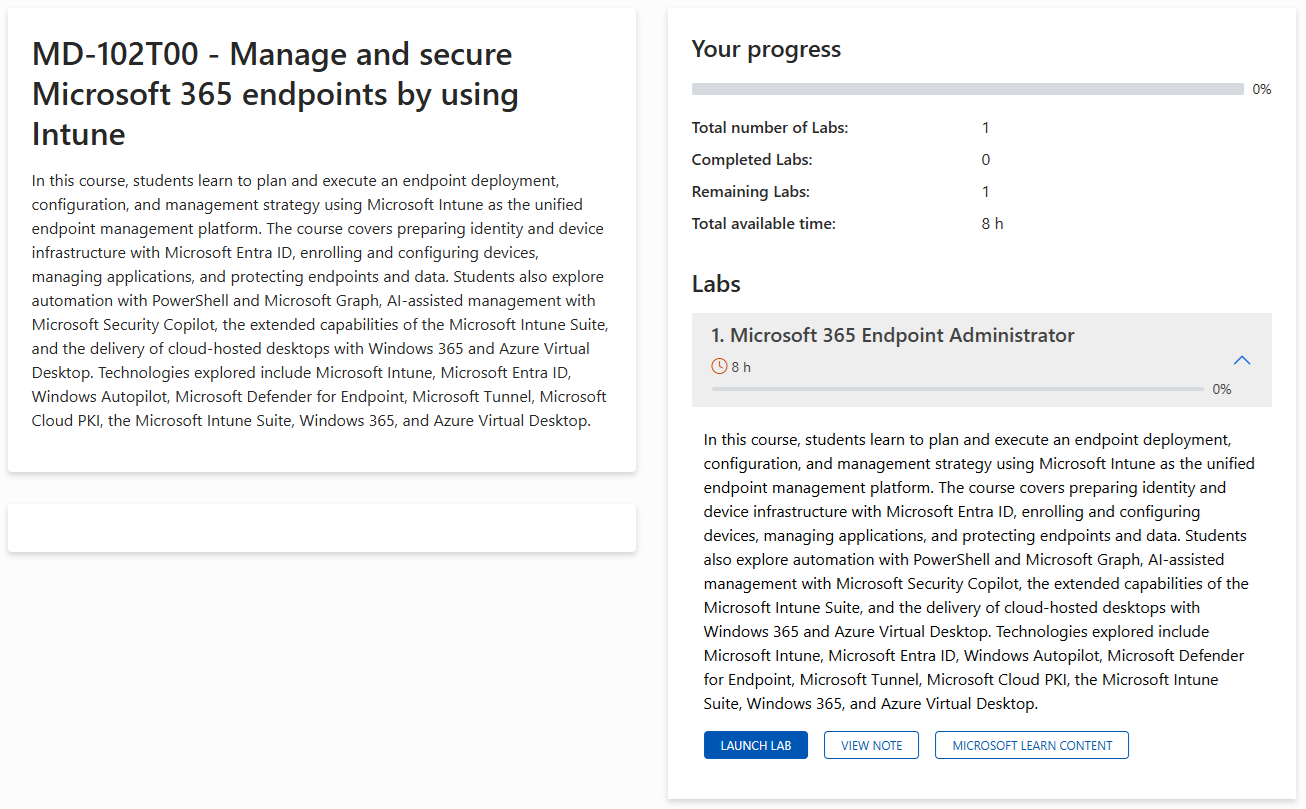
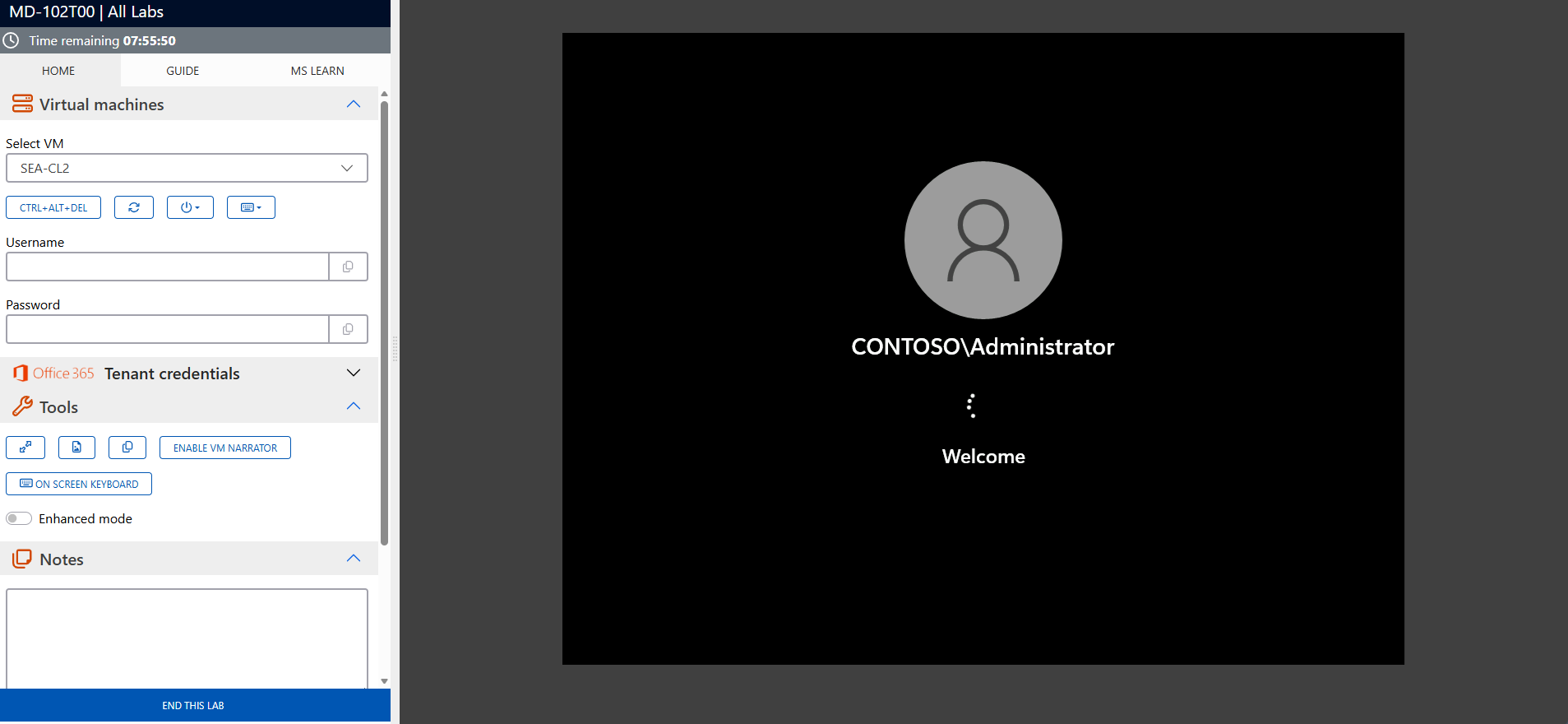
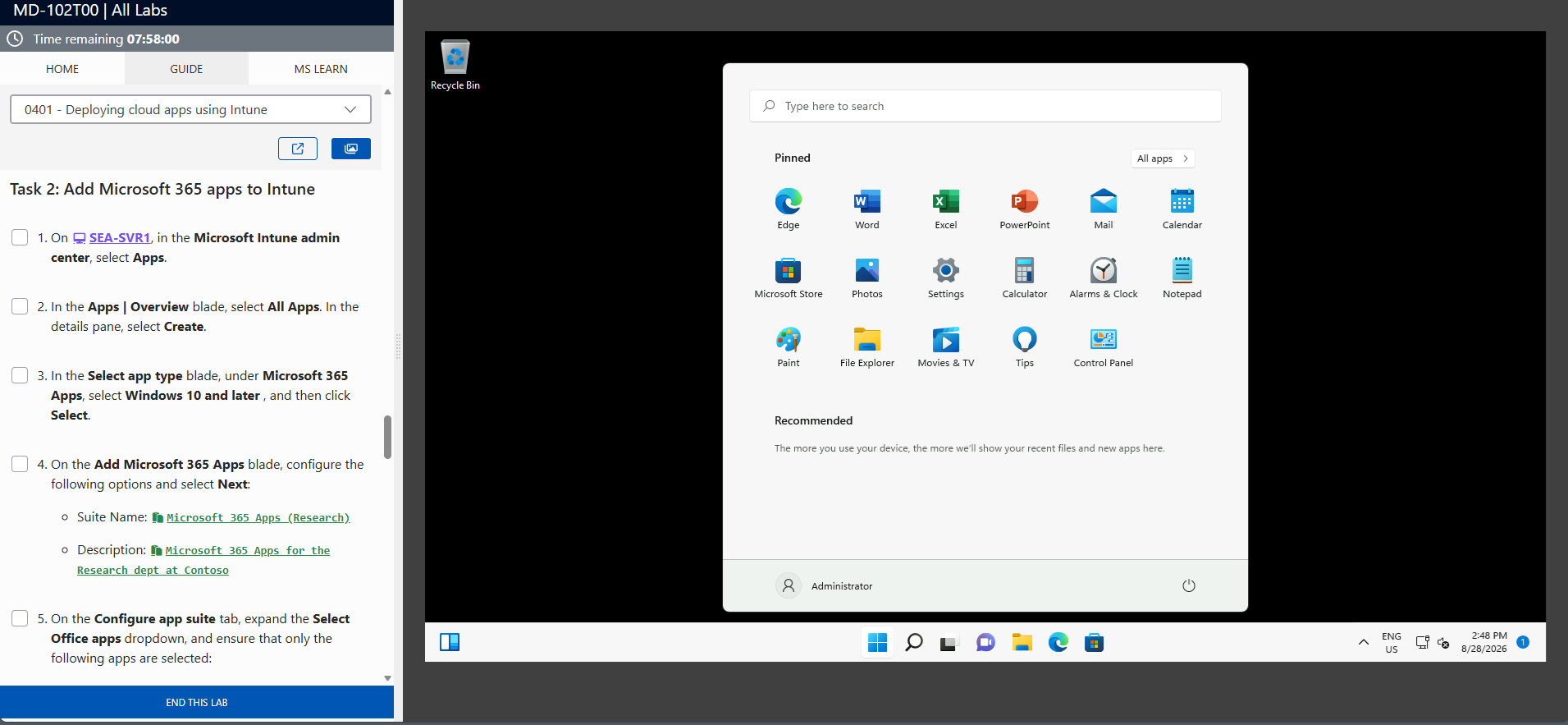
The screenshots above are provided as examples and may vary depending on the lab version and updates.
Who Should Attend?
- Cloud administrators managing SAP on Azure
- IT professionals responsible for SAP migrations and cloud transformations
- Systems architects designing scalable SAP cloud solutions
- Anyone interested in advanced SAP migration and deployment techniques on Azure
Enhance Your SAP Cloud Management Expertise
The Planning and Deploying SAP on Azure (AZ-120) training gives you the skills to leverage Azure for optimizing SAP cloud transformations. Enroll now to master advanced SAP migration and deployment and ensure the resilience and efficiency of your SAP environment in Microsoft Azure.
AZ-120 Exam Success Strategies
AZ-120 Exam Statistics & Success Rates
- Average Pass Rate: 60–65% on first attempt (Specialty level)
- Most Common Score Range: 720–780 for passing candidates
- Average Study Time: 8–10 weeks for experienced SAP and Azure professionals
- Retake Rate: 30–35% of candidates require a second attempt
- Top Failure Areas: Migration planning (36%), SAP workload deployment (33%), monitoring and troubleshooting (31%)
Study Method Comparison
| Study Approach | Duration | Pass rate | Best For |
|---|---|---|---|
|
Hands-on Practice Only |
6-7 weeks |
40-50% |
Experienced SAP on Azure admins |
|
Documentation + Practice |
8-9 weeks |
65-70% |
Methodical learners |
|
Training + Labs + Practice |
8-10 weeks |
80-85% |
Comprehensive preparation |
|
Practice Tests Only |
3-4 weeks |
30-40% |
Not recommended |
Strategic Study Approach
- Create an 8–10 week study plan—Specialty certifications require intensive preparation.
- Follow the 70-20-10 rule: 70% hands-on labs in Azure, 20% reading documentation, 10% practice tests.
- Focus on scenario-based learning—AZ-120 emphasizes real-world SAP on Azure deployments over rote memorization.
- Study in focused 90-minute blocks with 15-minute breaks for maximum retention.
Common Exam Pitfalls to Avoid
- Confusing SAP HANA and NetWeaver deployment models—know the differences and when to use each.
- Underestimating Azure networking requirements for SAP—review VNet, NSG, and ExpressRoute scenarios.
- Overlooking identity integration—ensure you understand Microsoft Entra ID (Azure AD) for SAP workloads.
- Ignoring backup, disaster recovery, and monitoring best practices.
- Not reviewing SAP workload sizing and scaling in Azure.
- Missing integration points between SAP and other Azure services.
Topic Weight Distribution
| Exam Domain | Weight | Focus Areas | Priority |
|---|---|---|---|
|
Migrate SAP Workloads to Azure |
10-15% |
Assessment, planning, migration tools |
Medium |
|
Design and Implement an Infrastructure to Support SAP Workloads |
20–25% |
VMs, storage, networking, security |
Critical |
|
Design and Implement High Availability and Disaster Recovery |
20–25% |
Backup, DR, failover, monitoring |
Medium |
|
Maintain SAP Workloads on Azure |
35–40% |
Monitoring, troubleshooting, optimization |
Critical |
Exam Day Time Management
- Allocate 90 seconds per question on average.
- Read case studies completely before attempting related questions.
- Flag uncertain questions and return to them—don’t get stuck.
- Reserve 15 minutes at the end to review flagged questions.
Managing Exam Stress & Performance
- Get 7–8 hours of sleep before exam day—avoid last-minute cramming.
- Arrive early to settle in and complete check-in calmly.
- Use deep breathing if you feel overwhelmed during the exam.
- Trust your preparation—your first instinct is often correct.
Technical Preparation Tips
- Practice with the Azure portal, CLI, and PowerShell—know multiple ways to deploy and manage SAP resources.
- Master SAP workload deployment, configuration, and troubleshooting on Azure.
- Understand networking, storage, and identity integration for SAP.
- Review monitoring, backup, and disaster recovery tools for SAP on Azure.
Final Week Preparation
- Take 2–3 practice exams to identify gaps and build confidence.
- Review Microsoft’s official AZ-120 objectives one last time.
- Focus on reinforcing what you know—avoid new topics.
- Prepare your exam logistics: test center route, ID, arrival time.
Mental Preparation Strategies
- Visualize success—imagine confidently answering questions.
- Remind yourself of your practical SAP and Azure experience.
- Stay positive during difficult scenarios—every candidate faces challenges.
- Remember: 700/1000 is a pass—perfection isn’t required, solid competency is.
How to Schedule Your AZ-120 Exam
- Testing Provider: Pearson VUE (Microsoft’s authorized partner)
- Scheduling: Create a Pearson VUE account, search for “AZ-120,” choose your test center and date.
- Exam Cost: Often included with official training—check for vouchers.
- Timeline: Book 2–3 weeks in advance for preferred slots.
- Rescheduling: Free up to 24 hours before your appointment.
- Required ID: Government-issued photo ID matching your registration name.
Success Mindset: Approach AZ-120 as a validation of your SAP and Azure expertise. Your hands-on experience with SAP deployments, migrations, and Azure administration is your greatest asset.
Frequently asked questions
It covers SAP migration planning, deployment, modernization, Azure tools for SAP, integration with Microsoft services, and best practices.
Yes, experience with SAP solutions and Azure fundamentals is recommended.
Yes, the course includes practical exercises and real-world scenarios.
Migrating SAP to Azure enhances scalability, reliability, and access to integrated cloud services.
Yes, integration with Microsoft Entra ID, Azure Storage, and other services is included.
Absolutely—best practices for secure, efficient, and reliable SAP cloud deployments are covered.
