
Training plan
Module 1: Develop a vision-enabled generative AI application
- Use a vision-capable model in the Microsoft Foundry portal
- Develop a vision-based chat app
- Exercise – Develop a vision-enabled chat app
Module 2: Generate images with AI
- What are image-generation models?
- Explore image-generation models in Microsoft Foundry portal
- Create a client application that uses an image generation model
- Exercise – Generate images with AI
Module 3: Generate videos with Microsoft Foundry
- Deploy a video generating model
- Generate video from a prompt
- Generate video in Python
- Exercise – Generate video with Sora 2 in Microsoft Foundry
Module 4: Analyze images with Content Understanding
- What is Content Understanding?
- Analyze images with Content Understanding
- Exercise – Analyze images with Content Understanding
Module 5: Create a multimodal analysis solution with Azure Content Understanding
- What is Azure Content Understanding?
- Create a Content Understanding analyzer
- Use the Content Understanding API
- Exercise – Extract information from multimodal content
Module 6: Create an Azure Content Understanding client application
- Prepare to use the AI Content Understanding API
- Create a Content Understanding analyzer
- Analyze content
- Exercise – Develop a Content Understanding client application
Module 7: Extract data with Azure Document Intelligence
- What is Azure Document Intelligence?
- Use the Document Intelligence Studio
- Use prebuilt models
- Train and use custom models
- Exercise – Analyze documents with Document Intelligence
Module 8: Create a knowledge mining solution with Azure AI Search
- What is Azure AI Search?
- Extract data with an indexer
- Enrich extracted data with AI skills
- Search an index
- Persist extracted information in a knowledge store
- Exercise – Create a knowledge mining solution
Recommended prerequisite knowledge
- Basic understanding of software development (application logic, APIs, JSON formats)
- Familiarity with cloud environments (resource concepts, security, access)
- Practical knowledge of data and documents (PDFs, images, Office files) and extraction/structuring concepts
- Basic knowledge of AI/ML and language models (general concepts: prompts, context, boundaries)
- Understanding of multimodal AI concepts (text + image/document) — an asset
- Understanding of automation and orchestration (workflows, triggers, steps, tools)
- Basic knowledge of version control tools (e.g., Git) and software development cycles
- Understanding of deployment and operations principles (testing, monitoring, continuous improvement)
- Experience in team collaboration (reviews, code sharing, documentation)
Multimodal AI & agents training
The AI-3008 course is designed to help IT professionals and developers acquire the essential foundations for designing AI applications capable of analyzing images and documents. The course emphasizes the use of multimodal models and agent-based tools to combine visual/document input with language models, producing actionable results in a business context.
Through key concepts and practical exercises, participants will discover concrete patterns for performing structured extraction, analysis, and orchestrating decision-making workflows. The goal: to create more reliable solutions capable of grounding answers in visual and document data and transforming unstructured content into actionable insights.
Why Take This Training?
Multimodal AI and agents are transforming how organizations leverage their images and documents (contracts, invoices, forms, reports, technical files) by enabling them to understand, extract, and reason from unstructured content. This training introduces you to the essential principles for combining visual/document input and language models to create applications capable of producing reliable analyses and answers directly grounded in data.
By mastering these fundamentals, you will be able to accelerate process automation, improve the quality of decisions, and design more efficient workflows (structured extraction, validation, routing, synthesis, and actions), while enhancing the operational value of your visual and document content.
Skills Developed During Training
Understanding the Fundamentals of Multimodal AI
Understand how models can process and link multiple modalities (text + image + document) to produce richer, more contextualized responses.Analyzing Images and Documents for Information Extraction
Learn to identify and extract key elements (fields, tables, sections, entities) to transform unstructured content into structured data.Combining Visual/Document Input with Language Models
Discover how to integrate images and documents into reasoning and generation scenarios (summarizing, classifying, comparing, interpreting).Implementing Agent-Based Decision Workflows
Explore agentic orchestration approaches to chain steps (analysis, validation, action), trigger tools, and automate decisions.Grounding Responses in Data
Learn practical patterns for basing model responses on evidence from documents/images to improve reliability and traceability.Designing Enterprise-Oriented Solutions
Apply reusable design patterns to create actionable AI applications: structured extraction, analysis, routing, synthesis, and automation.
Technical Training Led by Specialists
This training is led by Microsoft/Azure certified instructors who combine theoretical input with practical exercises. Participants will work on real-world scenarios to learn how to design AI applications capable of leveraging images and documents using multimodal models and agent-driven tools.
The approach is field-oriented: you will see how to structure information extraction, link analysis and decision-making steps, and produce responses grounded in visual and document data, in order to obtain more reliable and directly actionable results.
Laboratory environment (overview)
You will practice in a structured lab environment with guided steps to validate your progress throughout the exercises. Depending on the lab, it is usually possible to save your progress and resume the steps later, making it easier to practice between sessions.
To ensure a complete experience, a Microsoft 365/Azure tenant environment may be provided to access the features required for the course scenarios (depending on the module requirements and lab conditions).
After the training, access to the lab remains available for a defined period. Tenant access may be time-limited, while access to the virtual machines and guided steps remains available for up to 180 days.
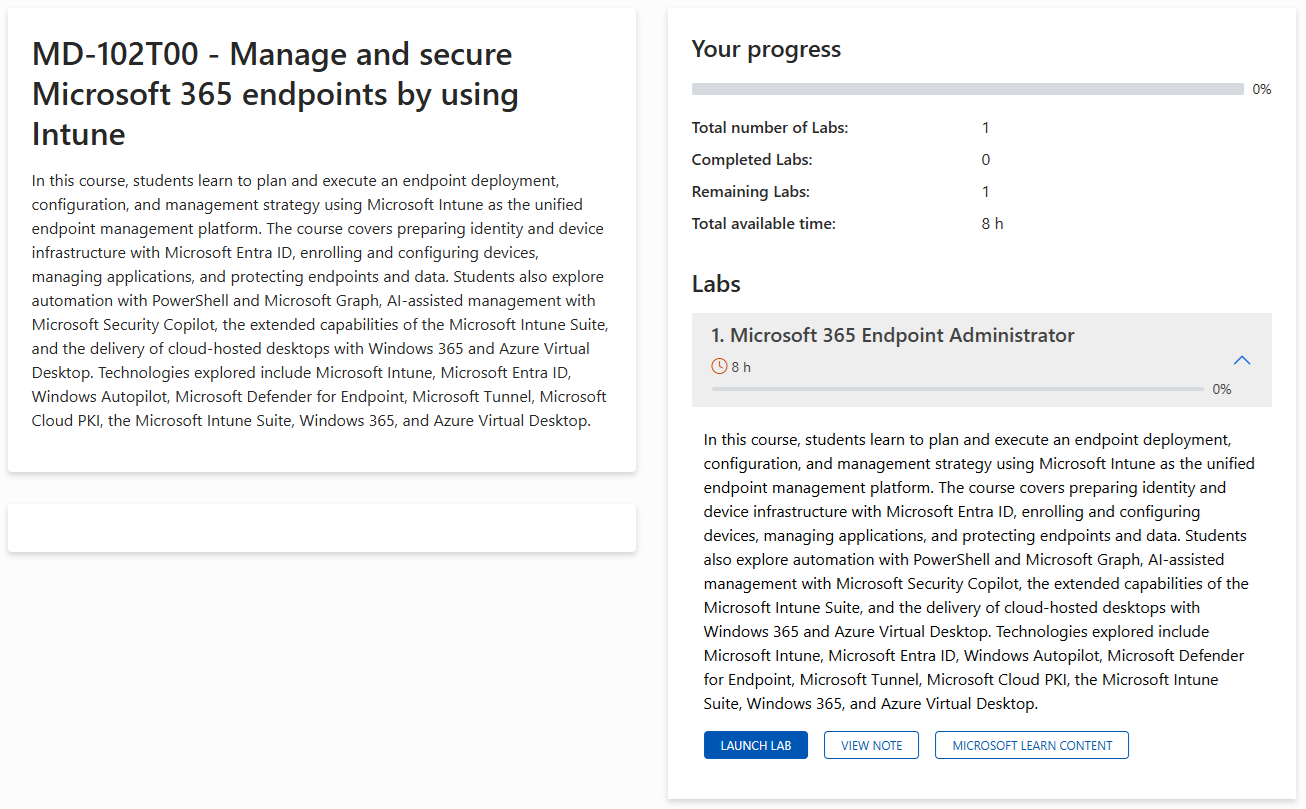
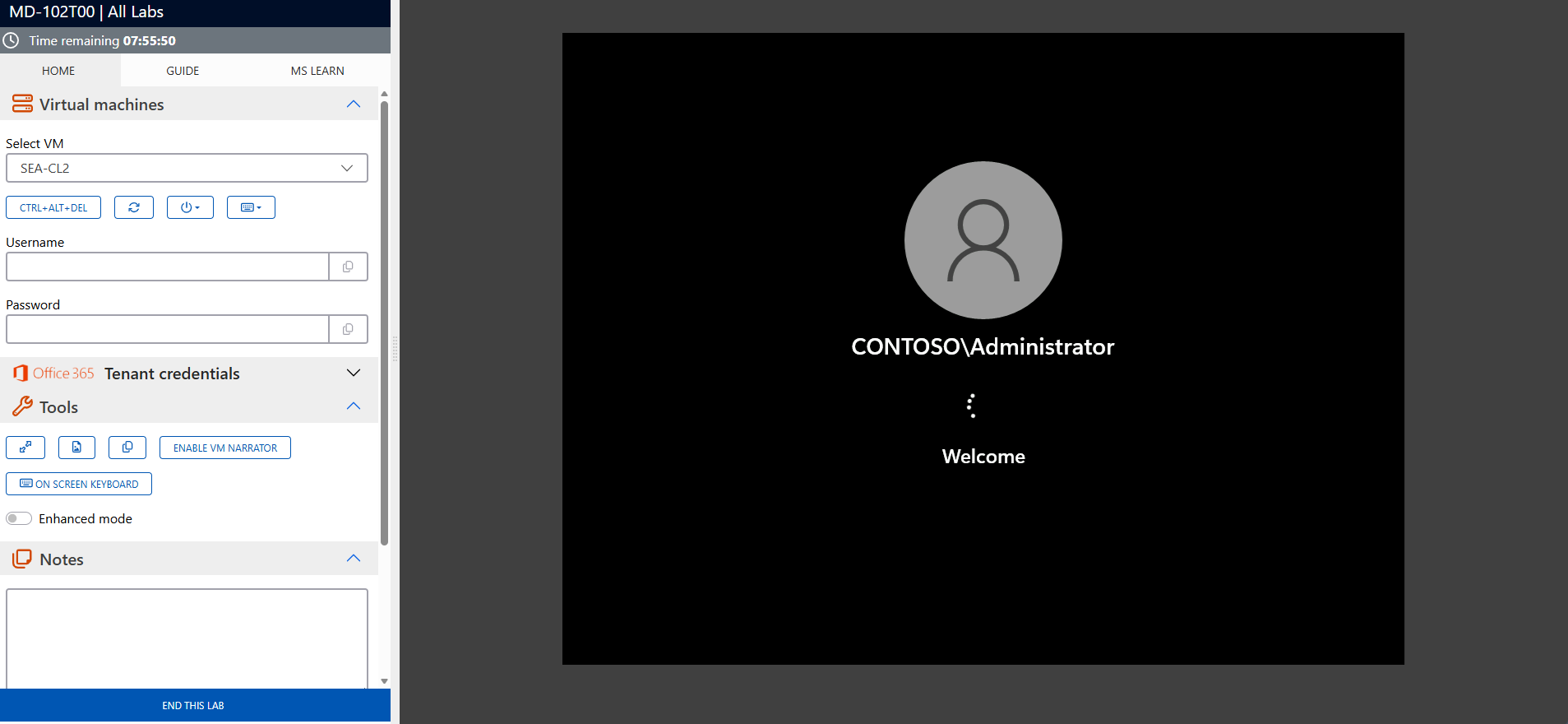
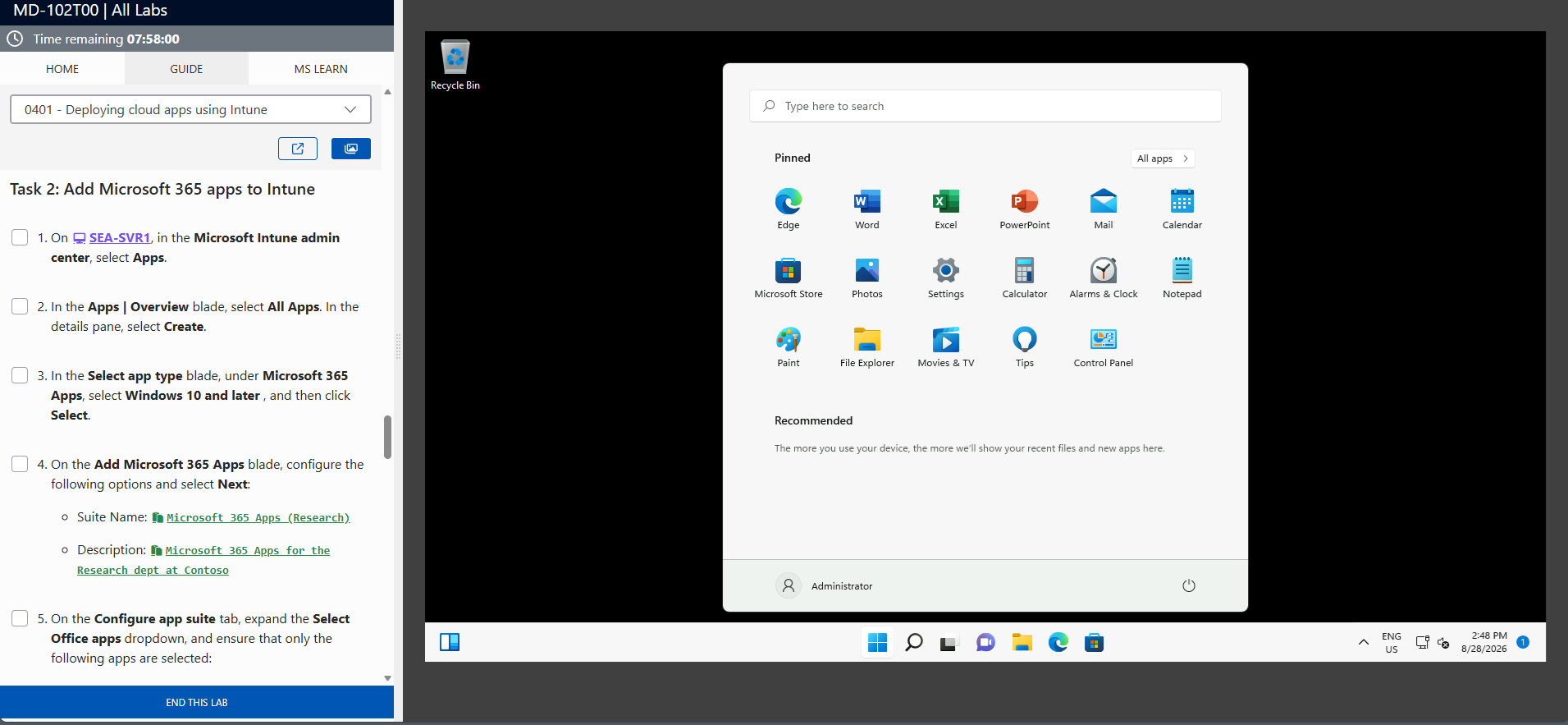
The screenshots above are provided as examples and may vary depending on the lab version and updates.
Who Should Attend This Training?
- Developers looking to create AI applications capable of analyzing images and documents (extraction, classification, synthesis, validation).
- IT professionals and product teams seeking to automate document processes using AI (decision-making workflows, routing, quality control).
- AI/data/ML engineers wanting to integrate multimodal capabilities and agent-based approaches into application solutions.
- Architects and solution designers who need to transform unstructured content (PDFs, scans, forms, reports) into actionable information across the enterprise.
Foster innovation with multimodal AI and agents
The AI-3008 course provides you with the concepts and practical approaches to design intelligent applications capable of seeing, interpreting, and reasoning about images and documents. Register today to leverage multimodal models and agent-based workflows, accelerate information extraction, automate decisions, and transform your visual and document content into actionable value.
Frequently asked questions
AI-3008 focuses on the design of AI applications capable of processing images and documents using multimodal models and agent-orchestrated tools. The goal is to enable structured extraction, analysis, and decision-making workflows based on unstructured content.
Yes. The training combines key concepts and exercises to apply concrete patterns: information extraction, sequence of analysis steps, orchestration of tools and production of responses anchored in visual/documentary data.
No. A background in software development and familiarity with data/documentation are recommended. The course is primarily aimed at individuals who design or develop applications and want to integrate multimodal AI capabilities.
For example: processing invoices and forms, analyzing compliance documents, extracting fields and tables, classification, summarizing reports, automated validation and routing, assisting support/ops teams from documents and captures.
An agent is an orchestration approach where the application can plan steps, call tools (extraction, search, validation), and execute a workflow to achieve a goal (e.g., analyze a document, check criteria, produce a decision, and generate a structured output).
Yes. You will see how to base the answers on the information actually present in the images/documents, in order to improve reliability, reduce hallucinations and produce more traceable results.